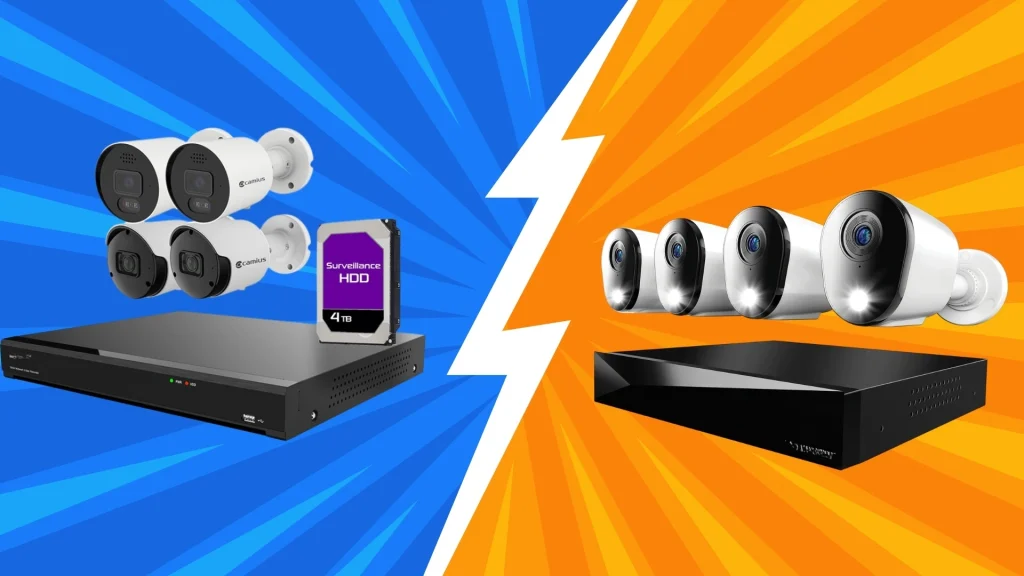
Have you ever tried to figure out which recording system makes more sense for a security setup?
When comparing NVR vs DVR systems, I quickly realized the differences go far beyond how they look on the surface.
Both record video, but the way they connect to cameras, manage wiring, handle image quality, and support upgrades varies a lot.
As I looked more into both, it became clear that each works best in different situations, especially when considering room size, resolution needs, and the level of installation flexibility.
Understanding these details helped me see why choosing the right option affects long-term reliability more than expected.
But before finalizing, let’s discuss what they actually are & how they are used.
What is a DVR?
A DVR, or Digital Video Recorder, is a device used in video surveillance systems to record footage from analog security cameras.
It receives raw video signals through coaxial cables and processes the footage inside the recorder before saving it to a hard drive.
DVR systems are commonly used in traditional CCTV setups for homes and small businesses. They support continuous, scheduled, or motion-based recording depending on system settings.
Video playback, storage management, and camera controls are handled directly through the DVR interface.
While DVR systems are usually more affordable than newer options, they have limits in video resolution and system expansion.
What is an NVR?
An NVR, or Network Video Recorder, is a device used in modern video surveillance systems to record footage from IP security cameras.
Unlike DVR systems, an NVR does not process raw video data. Instead, the camera itself encodes the video and sends it over a network using Ethernet cables.
The NVR receives this digital data and stores it on a hard drive or on a network storage device.
NVR systems support higher video resolution, including HD and 4K, making them suitable for detailed monitoring.
They are commonly used in homes, offices, and large facilities. NVRs also allow remote access, easy system expansion, and flexible camera placement through network connections.
NVR vs DVR: How Each One Functions?
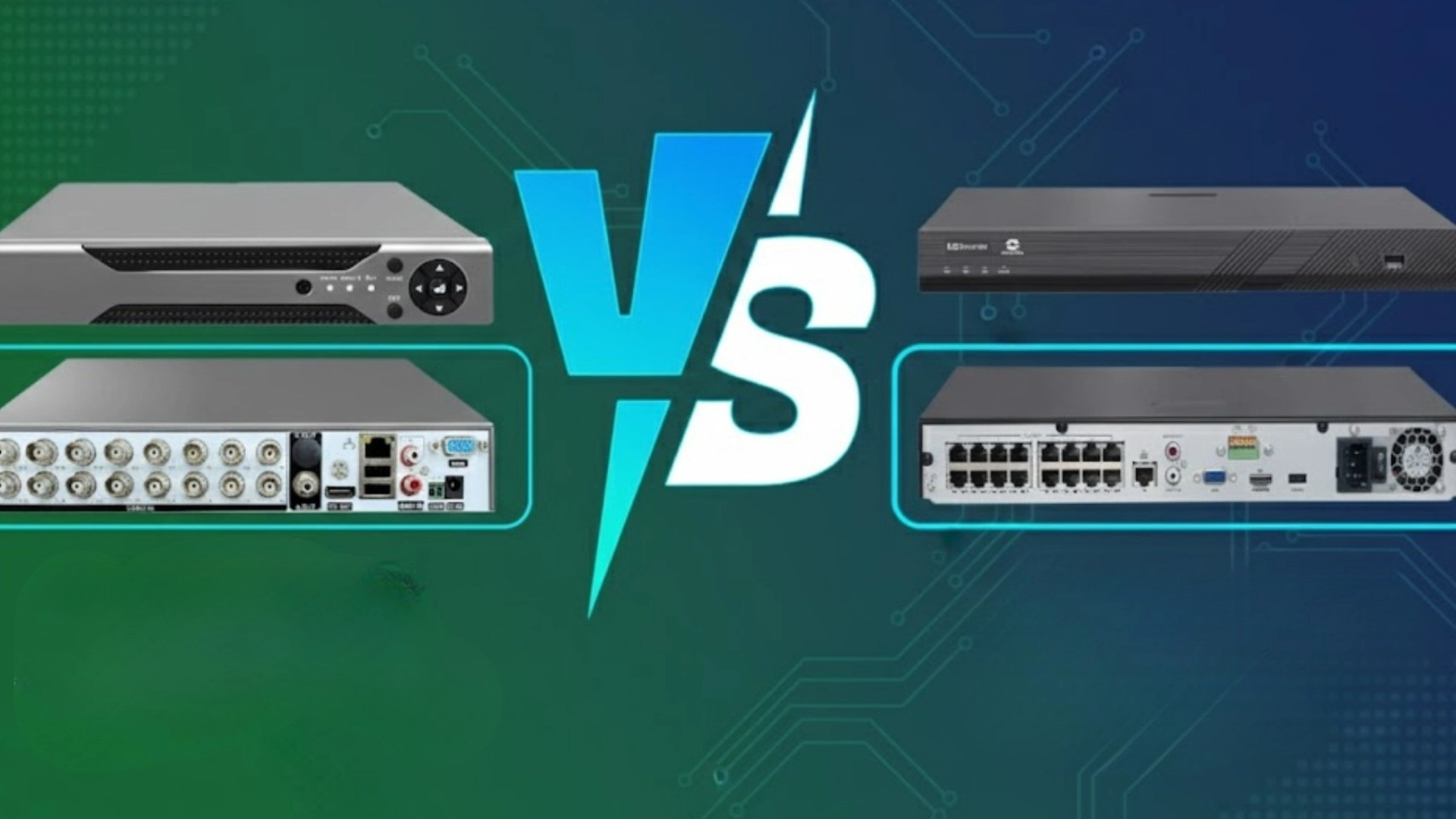
This section explains how both systems operate, showing the differences in technology, connections, and the way each recorder manages video input and storage.
NVR
The system receives video from IP cameras, processes and encodes it, and sends it over a network. Because the cameras handle the encoding, the recorder only stores and manages the incoming data.
Ethernet cabling provides both power and data transmission through PoE switches or PoE-enabled NVR units, simplifying installation.
Network-based communication enables flexible camera placement, remote access, and support for higher resolution.
DVR
The configuration connects directly to analog cameras using coaxial cables. The recorder processes raw video signals, handling encoding, compression, and storage internally.
Because the cameras do not perform processing, the recorder must be more robust to manage multiple streams simultaneously.
DVR systems are often used in traditional CCTV environments where existing analog wiring is already installed.
Although image quality is lower than that of IP-based systems, the setup remains reliable and cost-effective for general monitoring.
Core Differences of NVR vs DVR
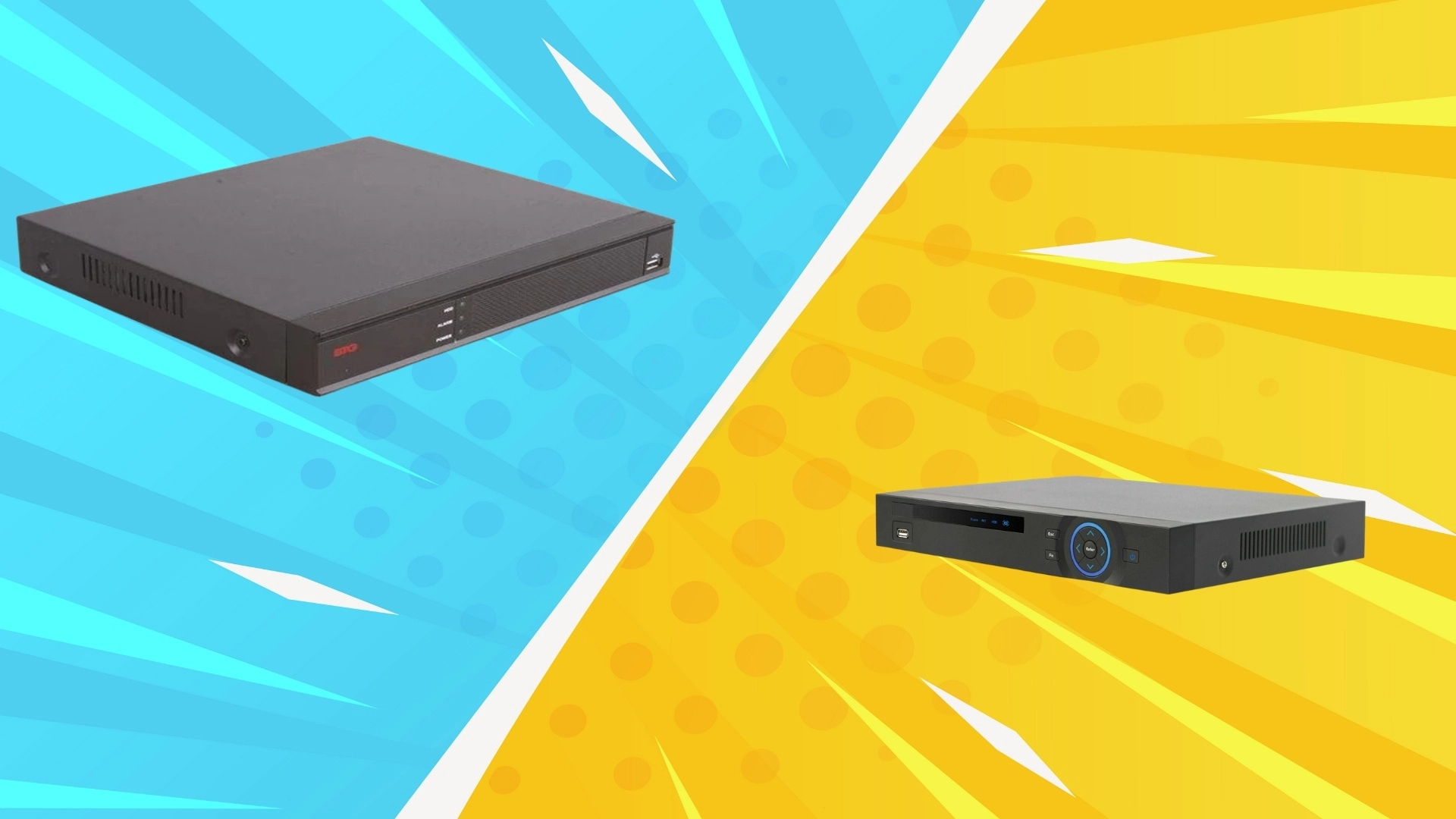
These two recording systems handle video differently, shaping how cameras connect, process footage, and deliver overall security performance across various setups.
- Video processing: DVRs process video at the recorder, while NVRs rely on IP cameras to handle encoding before storage.
- Camera type: DVRs use analog cameras, whereas NVRs work with digital IP cameras for higher-quality footage.
- Wiring method: DVR setups need coaxial cables, while NVR systems use Ethernet for power and data.
- Image quality: NVR systems support higher resolutions and more precise detail than DVR-based analog systems.
- Scalability: NVRs allow easier expansion due to network-based architecture, while physical ports limit DVRs.
In the end, both systems serve valuable roles, but their differences determine installation style, image clarity, cable requirements, and long-term flexibility.
Advantages of NVR and DVR
Here are some of the best things you would like for NVR and DVR for home or office security systems:
NVR
- Higher resolutions, such as 4K, and advanced features like smart motion detection, line crossing, and object recognition are commonly supported.
- Network cabling allows flexible placement, making it easier to cover large properties with fewer limitations.
- Power-over-Ethernet simplifies wiring by combining power and data. Remote access remains smoother because digital signals maintain quality even over longer distances.
- The system is scalable; additional cameras can be added easily through switches or network expansions.
DVR
- Coaxial cabling ensures stable connections without complicated network configurations.
- The setup is straightforward, making installation suitable for small businesses, homes, or retrofitting older systems.
- Compatibility with a wide range of analog cameras keeps equipment costs low. The system depends less on network performance, reducing risks of bandwidth congestion.
- DVR-based monitoring is reliable for simple live viewing and playback needs. Hardware tends to be durable, and maintenance is minimal once installed.
Disadvantages of NVR and DVR
While both have good advantages, from easy setup to high-qualtiy recording, there are some downsides too:
NVR
- This system depends heavily on network strength, meaning poor infrastructure can cause delays, dropped connections, or slower remote access.
- Installation costs may rise due to IP camera pricing, switch requirements, and higher-spec storage needs.
- Compatibility varies across brands, which can limit the mixing of devices without standardized protocols.
- Cybersecurity is crucial and requires proper network segmentation, strong passwords, and regular firmware updates.
DVR
- It cannot match the resolution, clarity, or advanced analytical capabilities of digital IP solutions.
- Coaxial cabling limits camera placement flexibility and may require additional equipment for long-distance runs.
- Analog signals degrade over distance, further reducing image quality. Expanding the setup is harder because additional cameras require more physical ports and direct wiring.
- The system lacks support for modern smart features, such as people detection and license plate analysis.
Quick Summary: NVR vs DVR
The table below shows the key differences between NVR and DVR systems, helping you quickly understand how they work, connect cameras, and handle video recording storage.
| Feature | NVR | DVR |
|---|---|---|
| Camera Type | Works with IP cameras | Works with analog cameras |
| Video Processing | The camera processes video | The recorder processes video |
| Cable Type | Uses Ethernet cables | Uses coaxial cables |
| Video Quality | Supports higher resolution | Limited resolution support |
| Installation | Easier with network setup | More wiring needed |
| Flexibility | Easy to expand system | Harder to upgrade |
Conclusion
Learning about the differences between NVR vs DVR systems helped me understand how each one shapes the way security footage is captured, stored, and managed.
I noticed that resolution, wiring, and extra features can affect the experience depending on the recorder used.
Some setups focus on simplicity, while others lean toward flexibility and higher-quality footage.
What stood out most is how much the recording method influences long-term reliability and how smoothly everything works once installed.
Choosing between the two feels easier when the needs of the space are clear, whether it’s a small area or a larger environment with room to expand.
If you’ve compared both options yourself or noticed key differences in real use, share your thoughts below. I’d like to hear your take.
Frequently Asked Questions
Can You Mix NVR and DVR Systems?
They can coexist in the same property, but won’t operate as a single system. Each recorder works with its own compatible cameras and separate connections.
Is NVR Better Than DVR for Home Security?
NVRs generally offer higher video quality, more innovative features, and greater flexibility, but DVRs remain practical for simple setups or homes already using analog wiring.
Can I Upgrade From DVR to NVR?
Yes, but it requires replacing analog cameras with IP cameras and updating wiring to Ethernet, since NVR systems aren’t compatible with traditional coaxial connections.
Do NVR Systems Require the Internet?
They don’t need internet for recording or local viewing, but they do need it for remote access, cloud features, and off-site notifications.