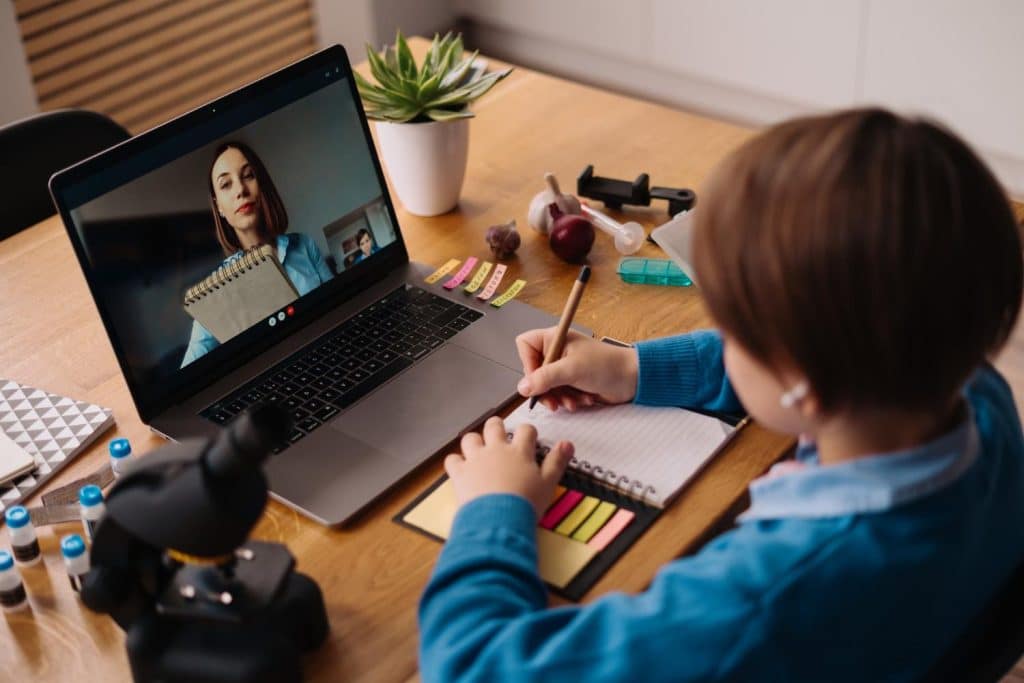
Most students spend a lot of time watching videos anyway: tutorials, clips, streams, explainers. So when a teacher shows up with a dry, 30-minute talking head, it’s no surprise the attention span disappears after a minute or two.
The point of educational videos is to explain one thing clearly, in a way students can replay and actually use when they’re stuck. The good news is that a quiet room, a basic camera, and a bit of planning are usually enough for that.
Let’s look at why visual content helps students learn and walk you through how to create an engaging educational video for students that you’ll actually want to reuse in future classes.
The Role of Visual Content in Education
Visual content doesn’t replace your lesson; it supports it. When students see a process and hear you explain it at the same time, they’re more likely to understand what’s going on and remember it later. That’s where teaching videos are especially useful.
Think of topics that usually cause blank stares: fractions, grammar rules, chemical reactions, historical causes and effects. In a regular lesson, you might draw something on the board, talk through it, answer questions, erase it, and it’s gone. With educational videos, that explanation doesn’t disappear. Students can pause, rewind, or watch that tricky part three times in a row without feeling awkward.
Visuals also help different types of learners. Some students need diagrams. Others need to hear examples out loud. Some need both. When you do even simple educational video production (slides plus your voice, a screen recording plus a small video of you in the corner), you’re adding more ways in for the same piece of content. The information becomes more than just text in a notebook; it turns into something they can see working.
There’s another quiet benefit: you can move part of your lecture out of class time. Record the core theory once, let students watch it at home or during independent work, and then use your time together for questions, practice, and discussion.
How to Create Engaging Teaching Videos
You’re mostly taking what you already do (explain, show, check understanding) and putting it into a format that works on a screen. Here’s a straightforward way to think about how to make educational videos.
1. Decide what this one video is for
First, write down one sentence: “After this video, my students should be able to…” and finish it. Maybe it’s “solve a linear equation,” “identify the main idea in a paragraph,” or “describe the process of photosynthesis in a few sentences.”
That one line will keep you from turning a short clip into a mini-course. If you feel tempted to add six side-topics, that’s a sign you’re actually planning a series, not a single video.
2. Keep it short
Long videos feel like another lecture. Short ones feel manageable. For most school topics, 5–10 minutes is plenty for one clear idea. If you notice your plan includes three definitions, two examples, and a quiz, split it into two or three parts.
Students are much more willing to watch three short teaching videos than one 25-minute block, especially if they’re revising for a test and only need to review one specific thing.
3. Use a simple structure
For example, you might follow this pattern most of the time:
Start with a quick hook: a question, a small problem, a real-life situation. Then say plainly what you’re going to cover. After that, walk through your explanation using visuals. Close with a short recap and tell them what to do next: a worksheet, a quiz, or a follow-up exercise.
When students see this pattern a few times, they learn what to expect.
4. Show your thinking, don’t just talk
The most helpful educational videos are often very simple: your hand writing on paper, a digital whiteboard, a screen recording of you solving a problem or analyzing a text. You don’t need animation or special effects for that.
If you teach math or science, write out the steps slowly and say what you’re doing as you go. In language lessons, highlight words, underline patterns, and mark up example sentences on screen. For history or social studies, simple timelines, maps, and arrows explaining cause and effect can turn a dense paragraph into something students can actually follow.
5. Talk like you talk to real students
A lot of “official” videos sound stiff because the speaker is trying to be perfect. Your students don’t need perfect; they need clear and human. Aim for the same tone you use when a student stays after class and asks you to explain something one more time.
It’s fine to say things like “This part confuses almost everyone the first time.” That kind of language makes the video feel like a real conversation rather than a scripted speech.
6. Get the basics of sound and image right
Most students will tolerate average visuals, but not bad. Try to record in a quiet room, close the window, and move the microphone (even if it’s just your laptop or phone) closer to you. Speak a bit slower than usual, with natural pauses, so students can follow and take notes if they want.
Light matters too. Face a window or a lamp, don’t sit with a bright window behind you, and prop your device up, so the camera is roughly at eye level. A neutral background (a wall, a bookcase, a tidy corner of your room) is enough.
7. Edit just enough
Use a simple video trimmer or basic editor to cut off the awkward start while you’re getting ready, trim the ending where you reach for the mouse, and remove any long pauses or obvious mistakes in the middle.
If your software allows it, add short titles for different parts of the video (“Step 1,” “Example,” “Recap”) and maybe a line of text with the key formula, definition, or rule.
8. Design for small screens
Many students will watch on a phone. That means tiny fonts and overcrowded slides aren’t a good idea. Use larger text than you would on a projector, keep slides clean, and stick to one idea per slide.
If you have a lot of text on screen, ask yourself whether it really needs to be there or if you can say it instead. On-screen text works best for keywords, formulas, dates, names, and short definitions. The rest can come from your voice.
9. Build in small actions
Ask students to pause and answer a question, solve a quick problem, write down an example of their own, or explain a concept out loud as if they were teaching it to someone else.
If you use an online platform, you can pair the video with a simple quiz or task so they immediately apply what they’ve seen. This turns the video from background noise into part of their actual practice.
10. Listen to feedback and reuse what works
After you’ve tried a few educational videos, ask students what helped and what didn’t. Was the speed comfortable? Were the examples clear? Did they like seeing you on camera, or prefer screen recordings with voice-over? You don’t have to follow every suggestion, but patterns in their answers will tell you where to adjust.
Wrapping Up
Creating engaging educational videos for students is about taking the explanations you already give in class and turning them into clear, reusable resources that students can return to whenever they need a reminder.
Start with one topic, one short video, and simple tools. Keep it informational but friendly, show your thinking step by step, and clean it up with a bit of light editing. With each new attempt, your educational video production will feel more like a natural part of your teaching toolkit.