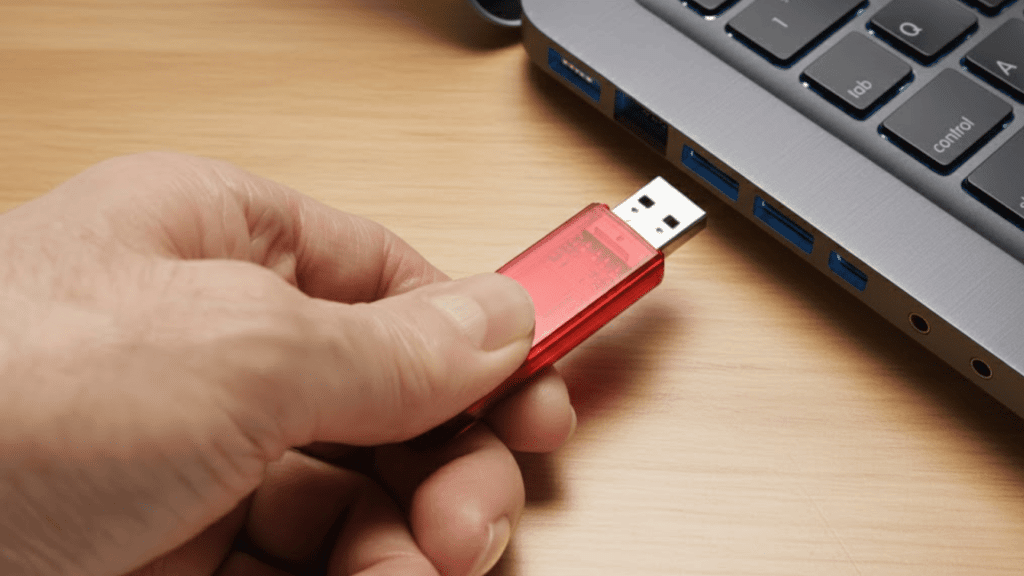
When I first started looking into portable storage devices, I realized many people were unsure about the real difference between them, and the question of flash drive vs thumb drive came up.
I used to think they were completely separate tools, but the more I learned, the clearer it became that most users wanted to understand how the two names fit into everyday use.
In this guide, I share what I found while sorting through the terms, how each device works, and why the naming can be confusing.
I also break down storage, design, and general performance so you can see how these drives compare.
The goal of this guide is to make this topic easy to follow and practical for anyone who needs clear answers.
What is a Flash Drive?
A flash drive is a small, portable storage device that uses solid-state memory to save and transfer data.
It connects to computers and other devices through a USB port, making it simple to move files like photos, documents, videos, and software.
Because it has no moving parts, a flash drive is durable and handles everyday use well. Many people use it for backups, school projects, work files, or sharing data with others.
Flash drives come in a wide range of storage sizes, from a few gigabytes to several hundred, allowing users to pick one based on their needs.
They are also lightweight, easy to carry, and compatible with most modern devices.
Overall, a flash drive offers a quick and reliable way to store important information and keep it accessible anywhere.
What is a Thumb Drive?
A thumb drive is a small, portable storage device that uses flash memory to store and transfer digital files.
It plugs into a computer’s USB port and is recognized instantly without the need for extra software.
The name comes from its compact size, which is often similar to the length of a human thumb.
Thumb drives are widely used for moving documents, photos, videos, and other files between devices.
They are built for everyday convenience, offering durability and repeated use without losing data easily. Most thumb drives come in a hard plastic or metal casing for protection during travel.
They support a range of storage capacities, from a few gigabytes to large sizes suitable for media libraries or backup needs.
Flash Drive Vs Thumb Drive: Similarities
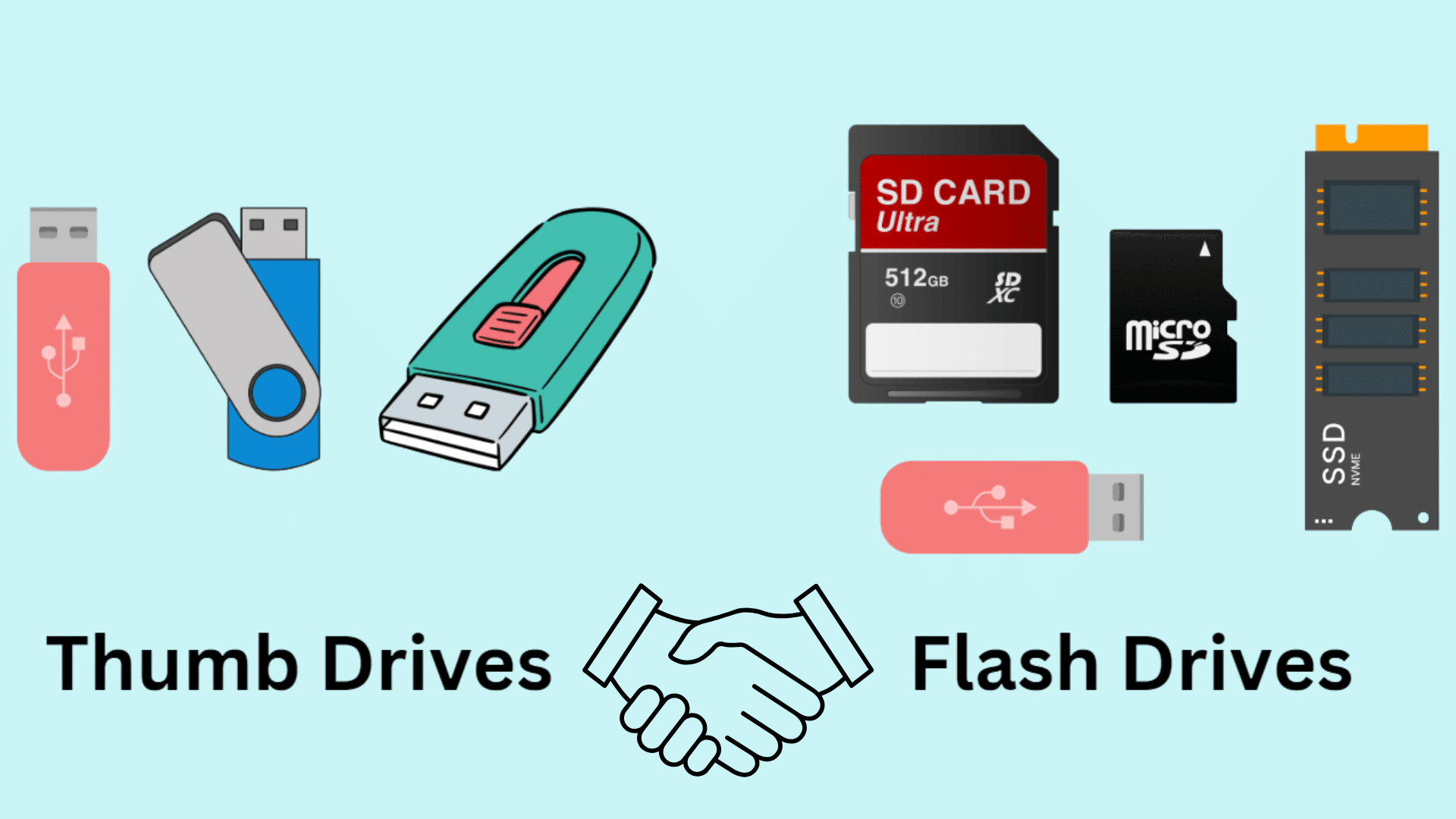
This section explains how both devices function in similar ways, highlighting shared storage technology, connectivity, portability, and practical everyday uses.
1. Memory Storage
Both devices rely on NAND-based technology that keeps data intact even when not connected to power.
This solid-state structure ensures fast read and write operations, making it dependable for long-term use.
In many comparisons, the discussion of flash drive vs thumb drive centers on this shared memory foundation, since both function identically at the storage level.
Their resistance to physical shock further supports secure data handling.
With no moving parts, the risk of mechanical failure remains low, helping users store documents, photos, media files, and software safely.
2. USB Connectivity
Each device includes a USB plug designed for direct insertion into laptops, desktops, and compatible hardware.
This simple interface supports instant recognition on most operating systems, allowing immediate file transfers.
USB standards such as 2.0, 3.0, or 3.2 determine the transfer speed but not the functional difference between the two names.
Because their connectivity works in the same way, users can move documents, photos, or programs efficiently without extra drivers.
3. Data Management
After connecting to a computer, both devices allow users to modify stored content freely. Files can be added, removed, renamed, edited, or reorganized with ease.
Their shared functionality contributes to the ongoing flash drive vs thumb drive conversation, showing how both provide straightforward data control.
Because they behave like small external drives, tasks such as managing folders, running portable software, or transferring media remain simple.
No additional tools or applications are required, which helps maintain efficiency during daily operations.
4. Backup Utility
Both devices offer dependable support for storing copies of important files, providing a practical solution for simple backup needs.
Their plug-and-play operation allows users to create duplicates of documents, photos, or work materials in just a few steps.
Many comparisons of flash drive vs thumb drive point to backup capability as a shared feature, since both serve effectively for quick recovery options.
Their solid-state construction protects backups from shocks or accidental drops, adding an extra layer of security.
Flash Drive Vs Thumb Drive: Differences
This section compares key differences in design, performance, capacity, durability, and usage, explaining how each device functions in practical, real-world situations.
1. Physical Design
Variations in structure influence portability, handling, and the way each device connects to other hardware.
Compact models with built-in plugs support easy carrying on keychains or in pockets.
Larger models may rely on cables or external readers, which affects convenience during travel or quick transfers.
Materials like plastic or metal determine how well the device withstands drops or pressure. The overall size also affects heat distribution, grip, and storage placement.
2. Data Transfer Speed
Performance levels vary widely depending on the interface and internal technology.
Some devices rely on older USB standards that deliver moderate transfer rates suitable for basic tasks like moving documents or small media files.
Others support advanced interfaces such as USB 3.1 or NVMe, offering significantly higher read and write speeds for heavier workloads.
These differences often highlight the contrast in the flash drive vs thumb drive comparison, as speed determines usability in professional or technical settings.
3. Storage Capacity
Capacity options depend heavily on device size, internal components, and intended use.
Compact models often reach practical limits because their smaller shells leave less room for high-density memory modules.
Larger models, including portable SSD-style designs, offer expanded storage suitable for extensive media libraries, backups, or software environments.
Higher-capacity versions support tasks like video editing, system imaging, or carrying large project files, while smaller models remain useful for simple document transport.
4. Durability and Lifespan
Construction quality plays a significant role in how long each device lasts.
Some models use lightweight plastic or thin aluminum shells that wear down from pressure, heat, or frequent handling.
More advanced designs include shock-resistant bodies, improved heat dissipation, and onboard wear-leveling technology to extend memory health over time.
Because many users rely on these tools for long-term file retention, durability is central to the flash drive vs thumb drive discussion, reinforcing how build quality affects overall performance.
Are Thumb and Flash Drives Safe to Use?
Thumb and flash drives are generally safe to use, as long as they come from trusted brands and are handled with care.
These small storage devices use solid-state memory, which makes them durable and less likely to fail from everyday movement.
However, they can still pose risks if plugged into unknown or infected computers. Malware can spread through the drive, putting stored files and connected systems at risk.
Losing the device is another concern since its small size makes it easy to misplace, and others can access any unprotected data.
Using encryption, password protection, and antivirus tools can help reduce these risks.
When kept clean, stored properly, and used only with secure devices, thumb and flash drives offer a dependable way to transfer and back up important data.
When to Use a Flash Drive or a Thumb Drive?
Each device suits different tasks depending on the required speed, capacity, and convenience.
Compact models with built-in connectors work well for quick file transfers, sharing documents, or carrying small collections of media.
They support simple plug-and-play use, making them ideal for classrooms, offices, or travel.
Larger and more advanced models offer higher speeds and broader storage options, making them suitable for system backups, running portable applications, or moving large project files.
High-performance versions provide reliable handling of videos, software packages, and extensive archives, while smaller versions support lightweight tasks.
Understanding these usage differences helps clarify decisions across common scenarios, ensuring the chosen device aligns with compatibility requirements in everyday environments.
Flash Drive vs Thumb Drive Comparison Table
This table outlines the key differences between the two devices, helping users compare design, capacity, speed, durability, and typical usage to decide which option fits their needs.
| Feature | Thumb Drive | Flash Drive |
|---|---|---|
| Physical Design | Small, thumb-sized body with built-in USB plug | Varies in size; may use cables or external enclosures |
| Data Transfer Speed | Moderate speeds using USB 2.0 or 3.0 | Faster performance with USB 3.1, NVMe, or higher |
| Storage Capacity | Usually up to 1TB | Can reach 4TB or more |
| Durability | Basic protection; more prone to wear | Better shock resistance and heat management |
| Compatibility | Simple plug-and-play across devices | May need drivers or special housings |
| Best Use Cases | Quick transfers and everyday portability | Backups, heavy workloads, and large file operations |
Conclusion
Looking at both devices helped me understand how their design, speed, and storage features shape everyday use.
After comparing performance and durability, it became clearer how each option fits different tasks.
The flash drive vs thumb drive question can seem confusing at first, but breaking down the details shows that both can work well depending on the needs of the user.
One is better for quick transfers, while the other supports larger files and heavier workloads.
This guide aims to offer clear information so the choice feels practical and straightforward.
If you want more helpful tech explanations, make sure to return for future guides and share your thoughts or questions in the comment section below.