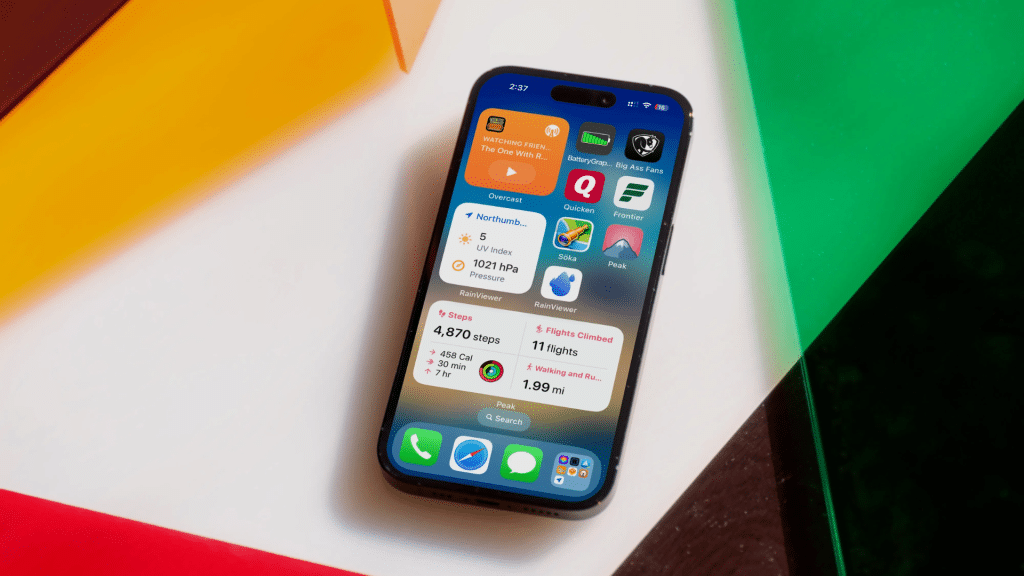
I’ve spent time reading real discussions to understand what people mean when they search for the best widgets for iPhone.
Most users are not looking for hidden apps or experimental tools. They want popular iPhone widgets that other users already trust and use daily.
In community threads, people often share which widgets stay on their home screen long term and which ones get removed fast.
That feedback matters more than app store rankings.
This blog is built around user opinions, shared experiences, and common recommendations seen across forums and comment sections.
Best iPhone widgets that users repeatedly suggest, explain why they prefer them, and highlight what makes these widgets worthwhile in everyday routines.
Why iPhone Users Rely on Widgets?
iPhone users rely on widgets because they provide quick access to useful information without the need to open multiple apps.
Many users prefer widgets that support daily routines, such as checking the weather, tracking tasks, or viewing calendar updates at a glance.
Community feedback shows that widgets are valued for saving time and reducing unnecessary steps during everyday phone use.
Home screens are often organized around habits, making frequently needed information easy to see.
Overall, widgets that remain simple, reliable, and practical tend to stay in use, while decorative ones are often removed over time
Most Popular iPhone Widgets
These are real, widely used iPhone widgets that users consistently recommend in community discussions.
1. Reminders and To-Do Widgets
Reminders and to-do widgets show current tasks and upcoming items right on the iPhone home screen. Many users like that they can check off tasks without opening the app.
This helps users to stay focused and organized throughout the day.
These widgets are popular because they cut down on repeated app use.
Among the best widgets for iPhone productivity, reminders stand out for being straightforward, interactive, and easy to fit into a real daily routine.
2. Apple Weather Widgets
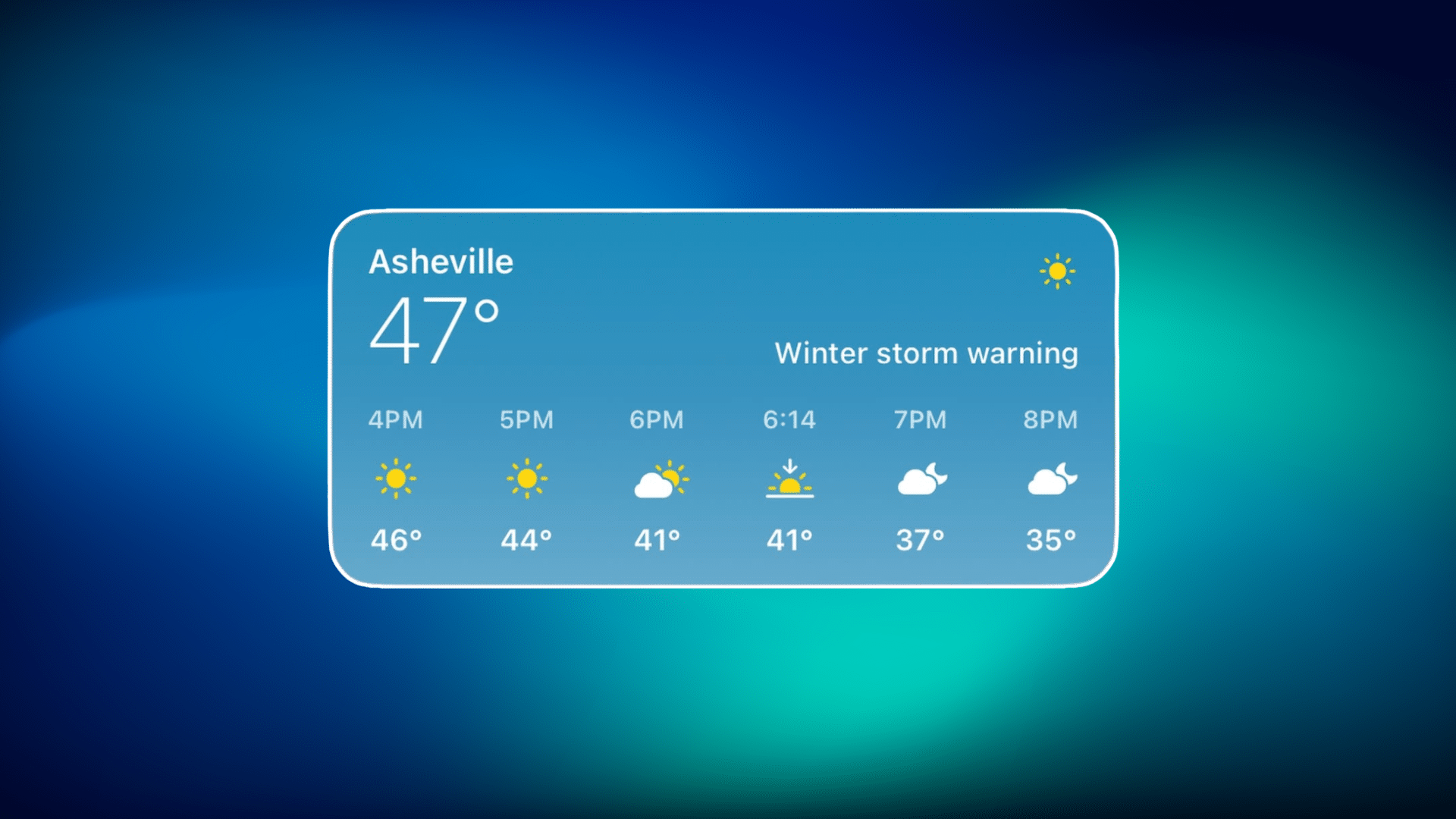
The Apple Weather widget displays current conditions, hourly forecasts, and daily highs and lows directly on the home screen.
It updates automatically and works smoothly with iOS without any setup.
Many users prefer it because it loads quickly and stays easy to read. iPhone users say they trust it for fast weather checks before heading out.
As one of the most popular iPhone widgets, it delivers precise and reliable weather details without adding clutter to the home screen.
3. Google and Wikipedia Widgets
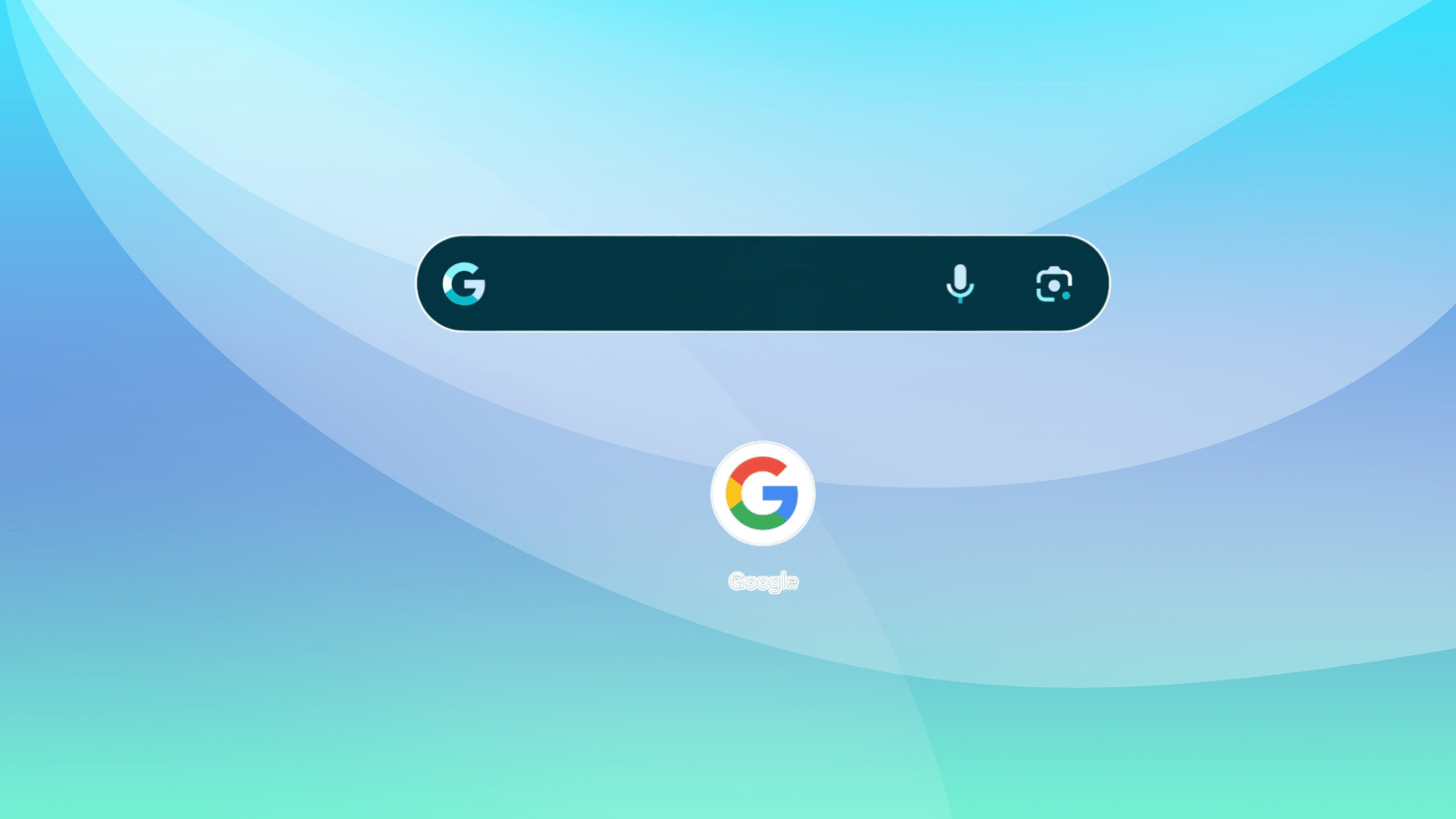
Google and Wikipedia widgets give quick access to search results and daily facts, such as Wikipedia’s Picture of the Day.
Many users like these widgets because they provide helpful information without opening a browser.
People mention using them for fast answers or casual learning throughout the day.
As popular iPhone widgets, they add value by combining convenience with easy access to knowledge right from the home screen.
4. Batteries Widget
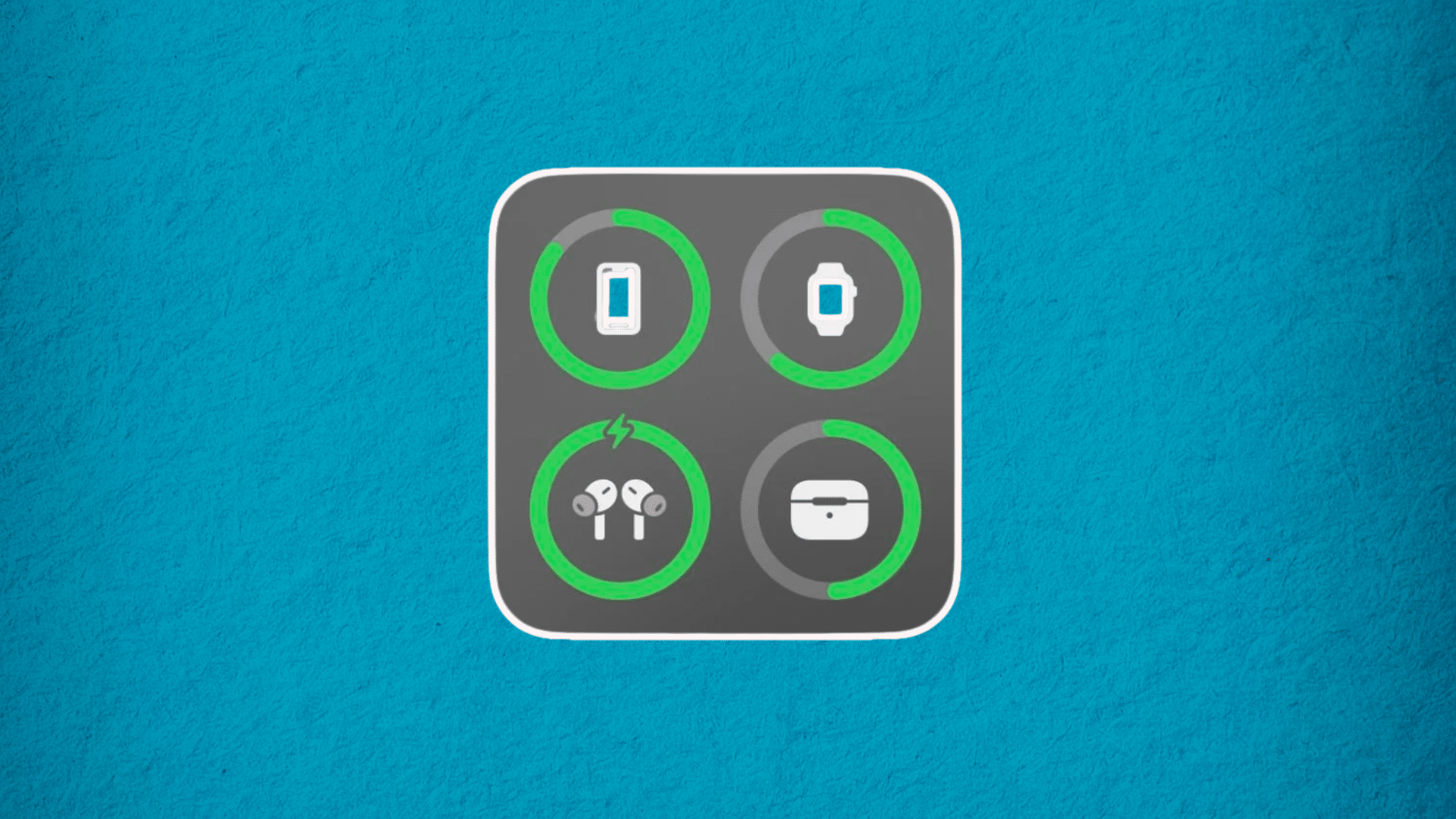
The Batteries widget displays the battery level of the iPhone along with connected devices like AirPods and Apple Watch.
Many users recommend it because it helps avoid unexpected low-battery situations.
It’s one of the most used iPhone widgets for people who rely on multiple Apple devices throughout the day.
Among the best iPhone widgets, it stands out for being practical, straightforward, and easy to check at a glance.
5. Focus and Shortcuts Widgets
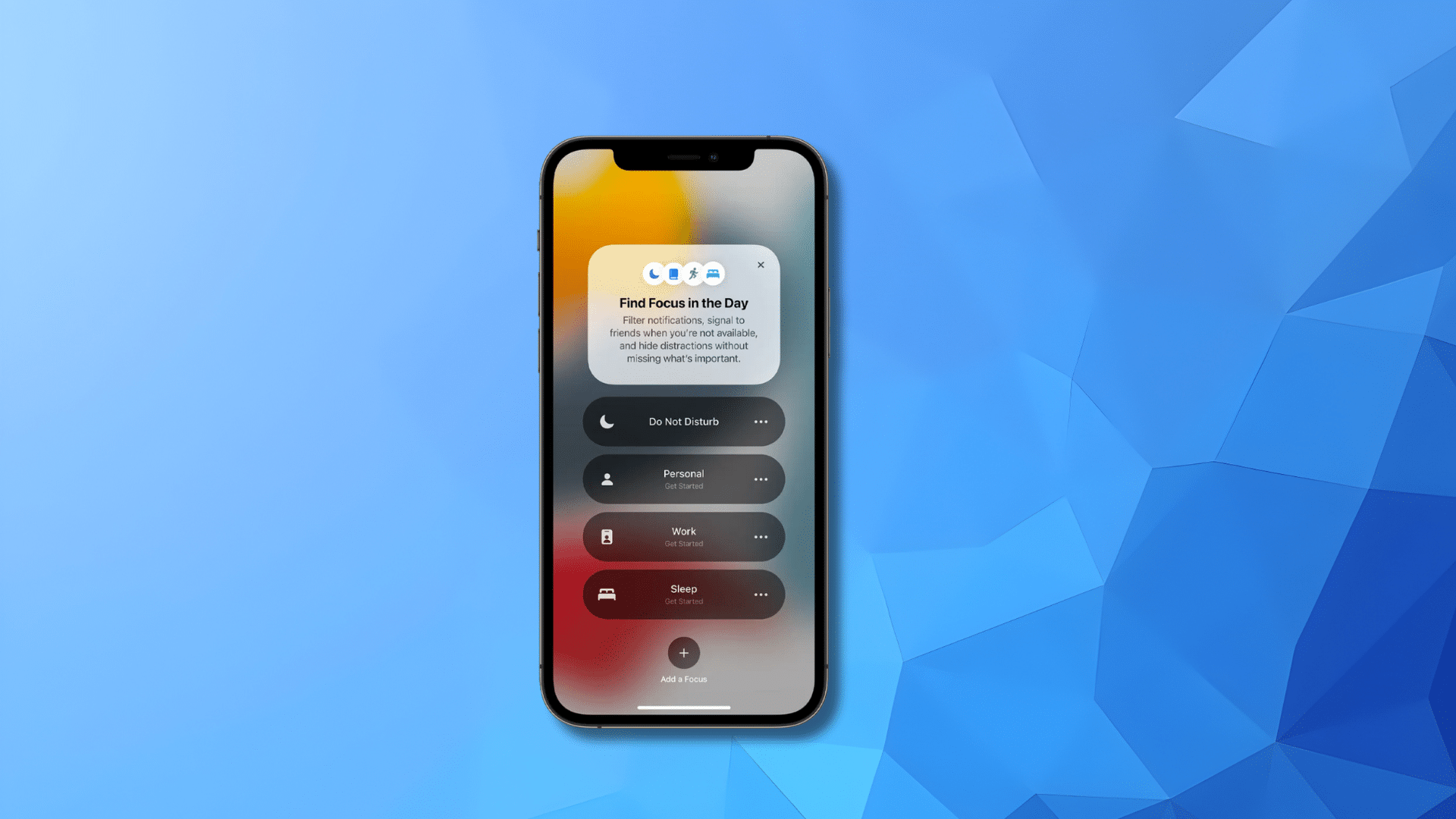
Focus and Shortcuts widgets let users switch Focus modes or launch actions with a single tap.
They are popular with iPhone users who want better control over notifications and daily routines.
Many people recommend these widgets because they save time and reduce extra steps. Users often say they make iPhone use feel more intentional.
Among the best widgets for iPhone automation, these widgets help manage tasks and settings smoothly throughout the day.
6. Notion Widget
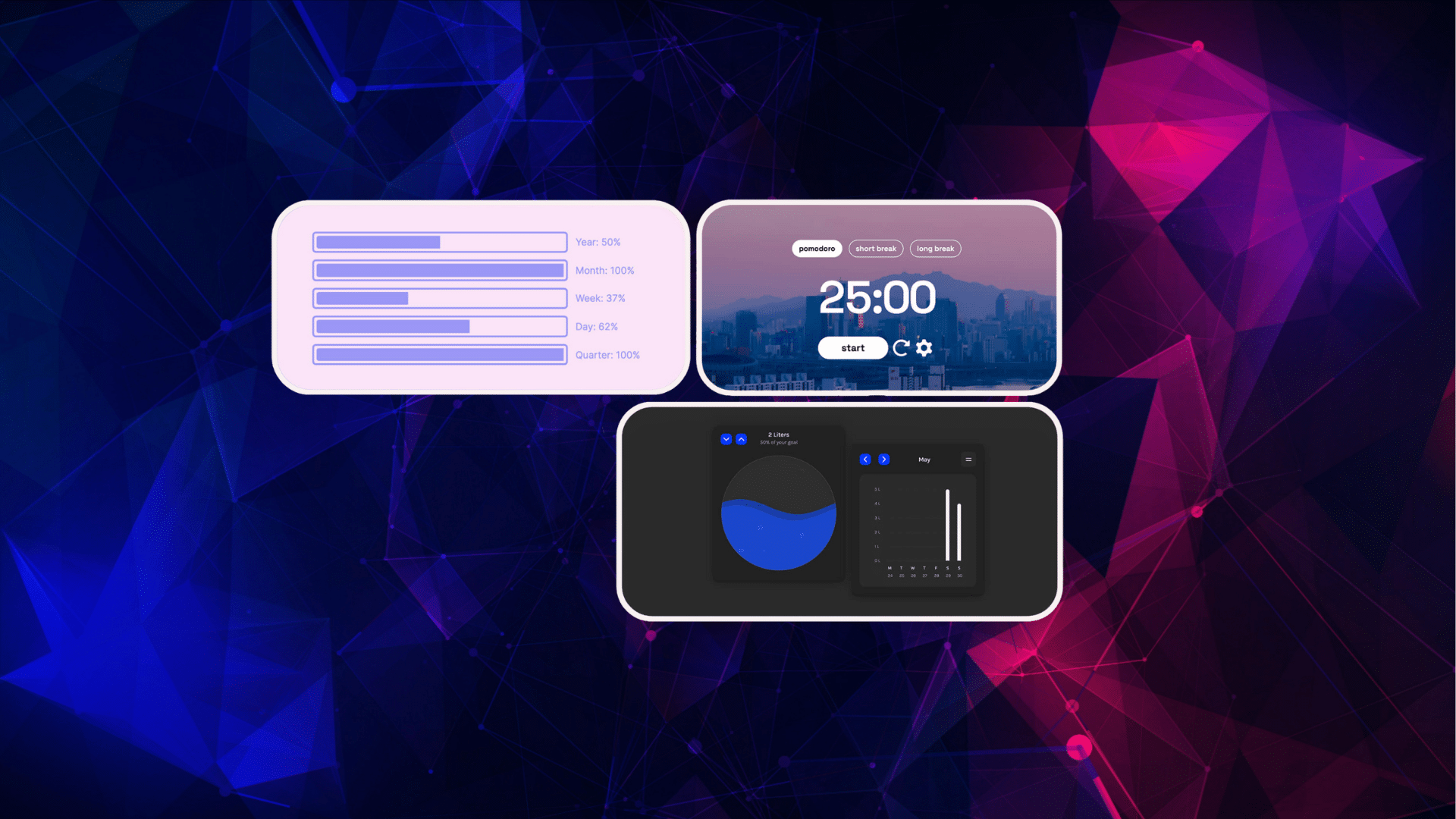
The Notion widget lets users pin notes, task lists, or project pages directly to the home screen. It supports different layouts, making it useful for various planning styles.
Many users recommend it because it keeps crucial information visible throughout the day.
People often use it to stay organized and focused.
Among popular iPhone widgets, Notion stands out as a flexible productivity tool that helps manage tasks and ideas without opening the app repeatedly.
7. Endel and Dark Noise Widgets
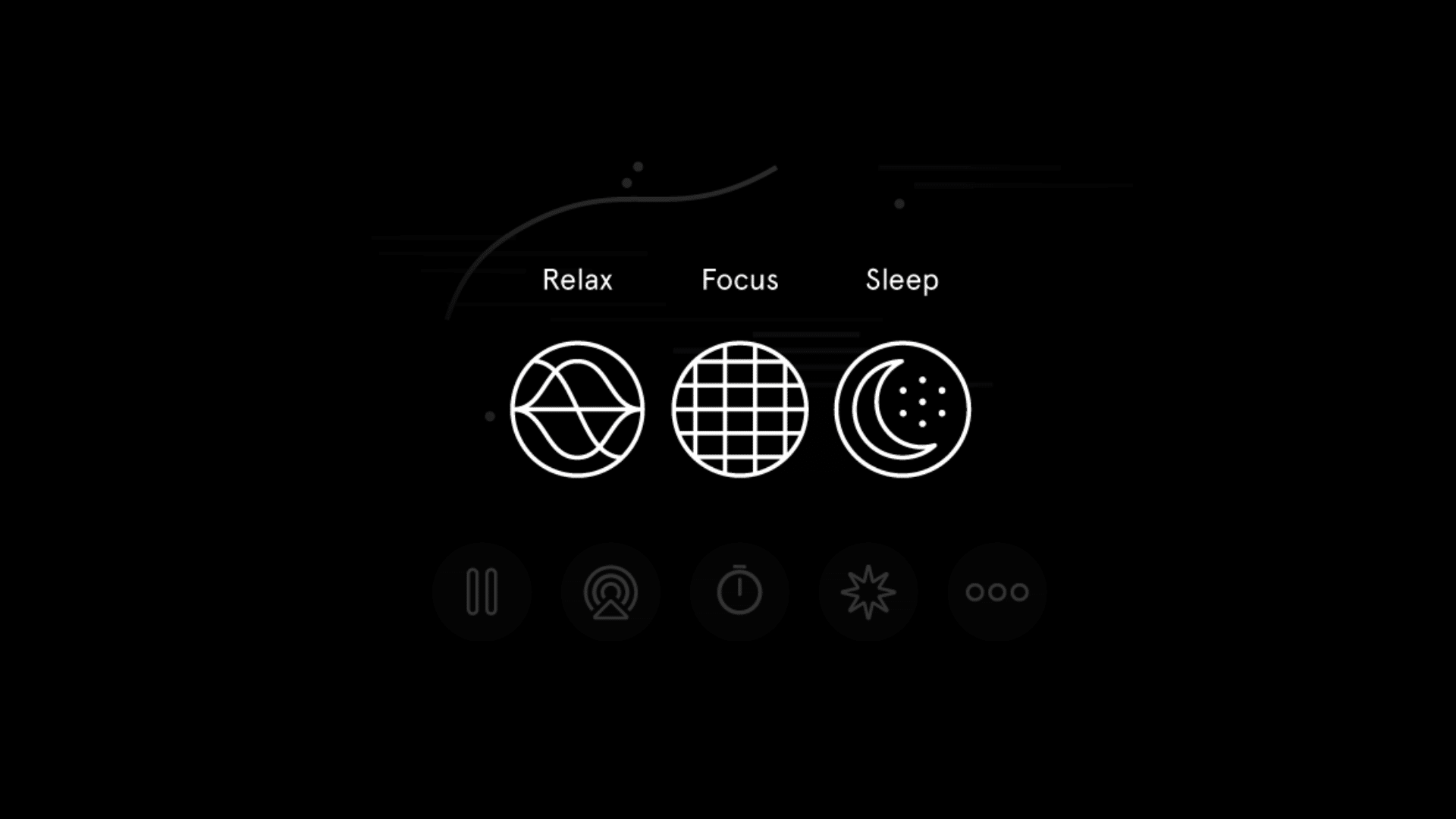
Endel and Dark Noise widgets let users start soundscapes for focus, sleep, or relaxation directly from the iPhone home screen.
Many users recommend these widgets because they remove extra steps when starting audio sessions.
It helps improve concentration and reduce stress during busy days.
As popular iPhone widgets, they are valued for quick access to calming or focus-enhancing sounds without needing to open the app each time.
8. Calendar Widget
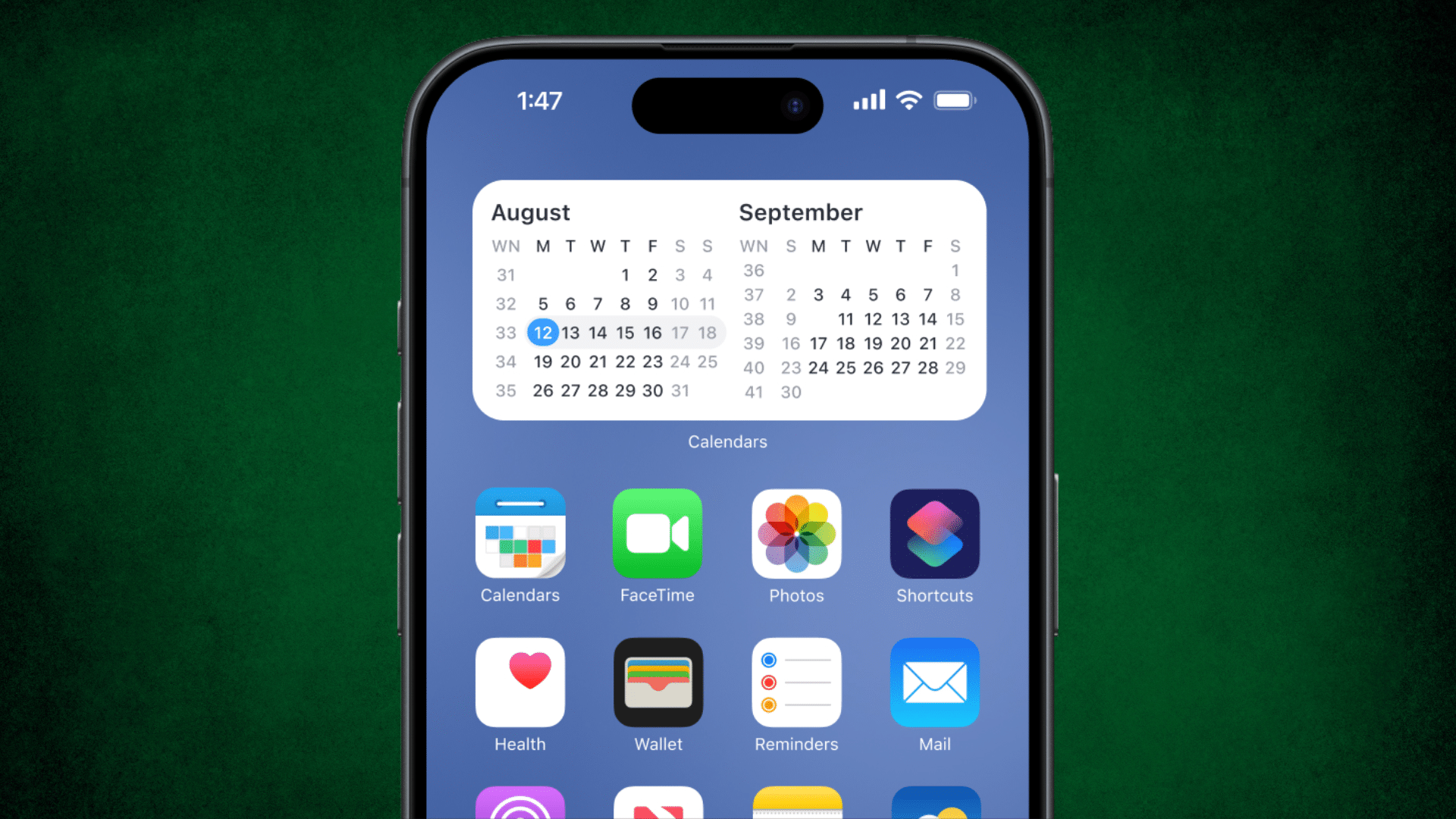
Calendar widgets show upcoming events, meetings, and reminders directly on the iPhone home screen.
Users like being able to see their schedule at a glance without opening the Calendar app.
Many people rely on this widget to avoid missed appointments and last-minute surprises.
Among popular iPhone widgets, calendar widgets stand out because they keep daily plans visible, simple, and easy to track throughout busy routines
9. Apple Fitness Widget
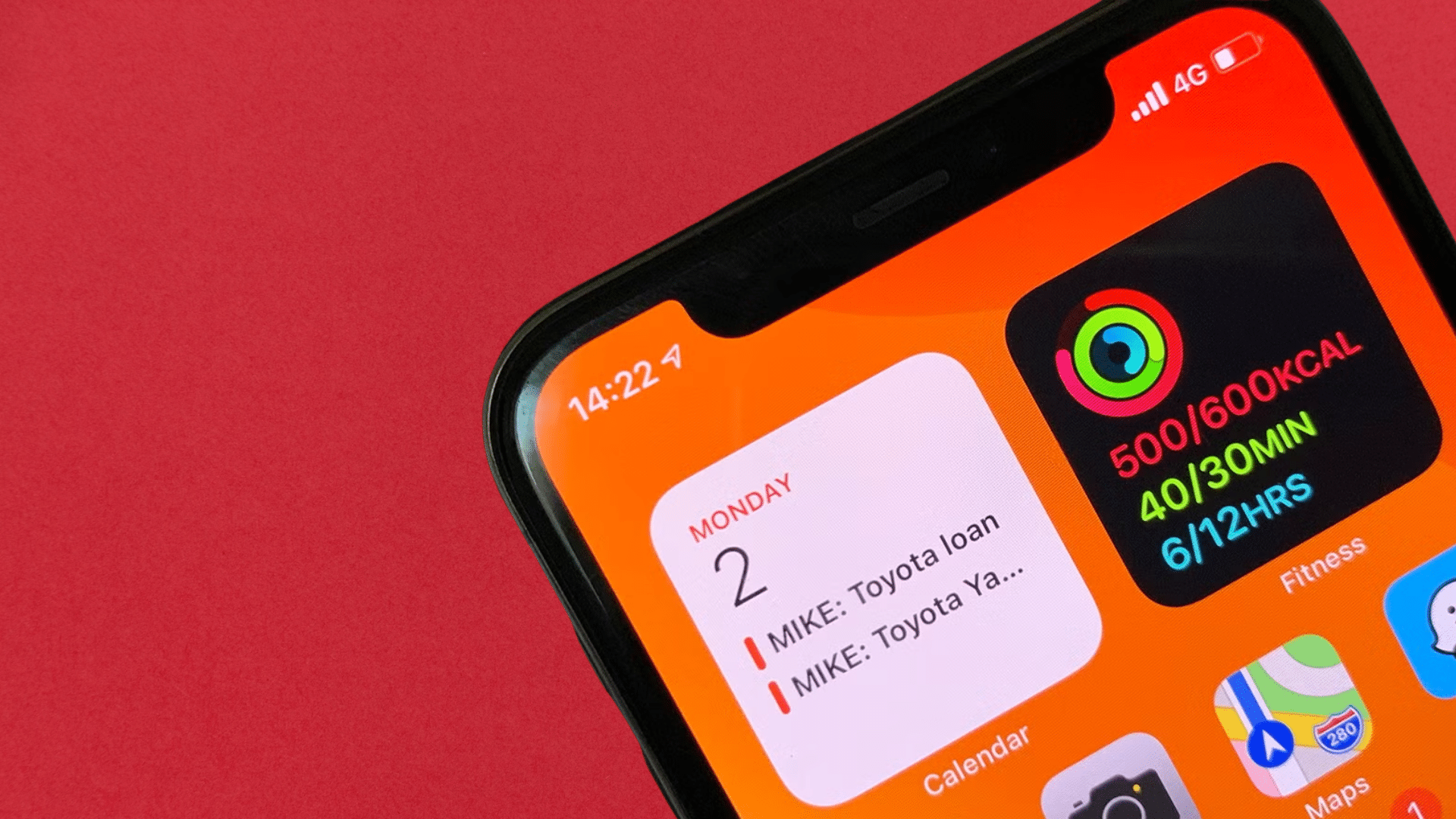
The Apple Fitness widget displays activity rings and daily movement progress right on the home screen.
It updates automatically throughout the day and encourages regular activity.
Many users recommend it because it offers motivation at a glance.
As one of the best widgets for iPhone health tracking, it fits easily into daily routines without needing extra effort or manual updates.
10. Apple Photos Widget
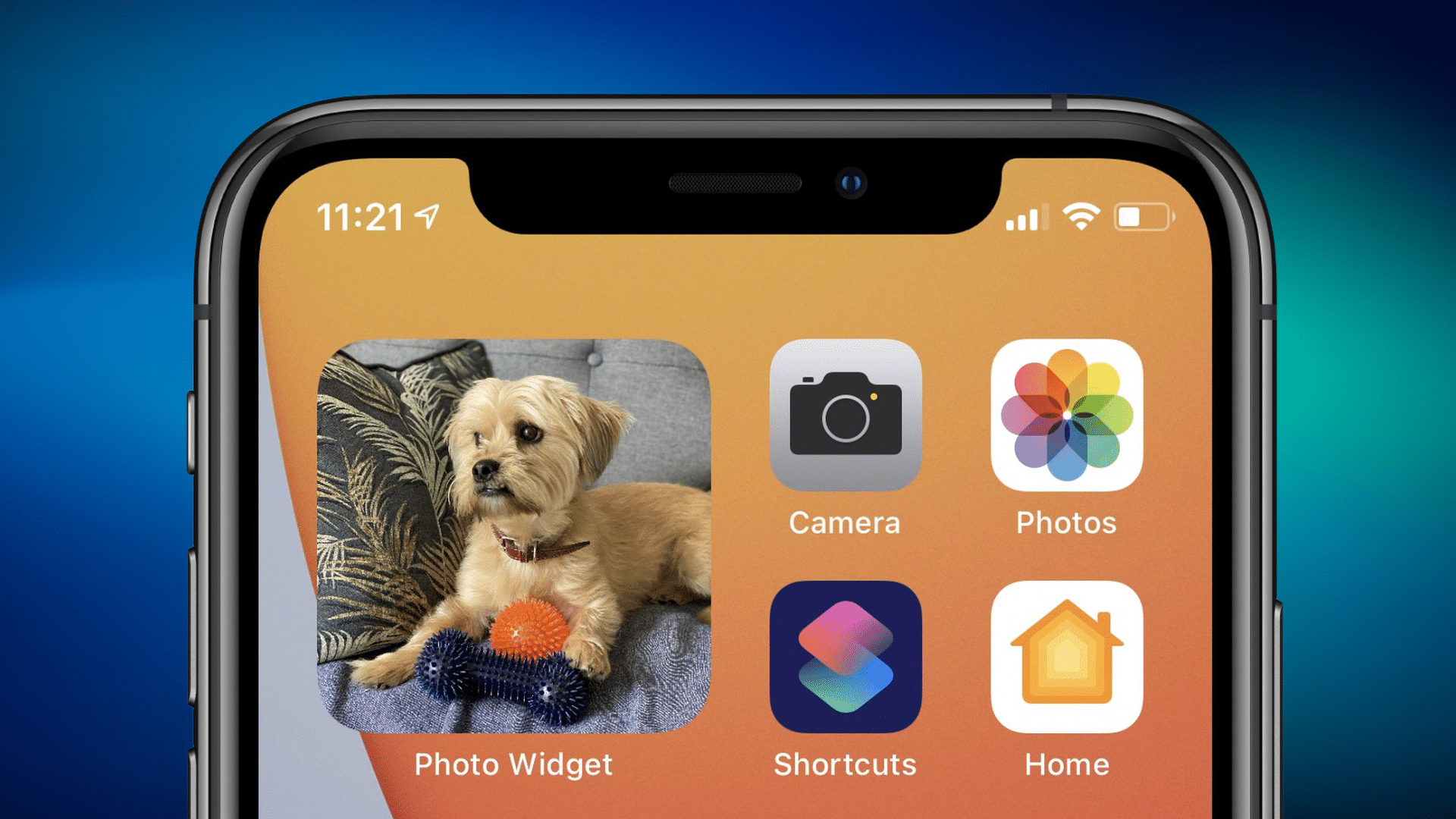
The Apple Photos widget shows random images or selected albums directly on the iPhone home screen. It refreshes automatically throughout the day without any setup.
Many users recommend it because it adds a personal touch to their device.
Users often keep this widget because it feels familiar and comforting.
Among popular iPhone widgets, it’s especially liked for simple personalization rather than productivity or task-focused use.
User Feedback on Daily iPhone Widgets
Users often say iPhone widgets become useful only when they support real daily habits.
Weather widgets are commonly used for quick checks before heading out, while calendar and reminder widgets help keep plans and tasks visible throughout the day.
Battery widgets are popular among users who rely on accessories like watches or headphones, as they prevent unexpected power issues.
Many users also depend on productivity widgets to keep notes or to-do lists easy to access without opening apps.
Music widgets are valued for quick playback control during work or travel.
Some users prefer minimal utility widgets that show only basic information to keep their Home Screen clean.
Overall, the best widgets for iPhone are described as simple, fast, and practical tools that fit naturally into everyday routines without adding clutter or distraction.
Common Issues iPhone Users Face With Widgets
Even though widgets add convenience, users often point out a few recurring problems during daily use. These concerns usually come from long-term experience rather than setup.
- Limited interaction: Many widgets only show information and don’t allow actions like checking off tasks or changing settings.
- Ads in free widget apps: Free versions often include ads, which users say interrupt usability and clutter the screen.
- Battery usage concerns: Some third-party widgets refresh often and may contribute to higher battery drain.
- Overcrowded layouts: Widgets that display too much information can feel overwhelming and hard to read.
- Refresh and syncing issues: Users report that some widgets fail to update correctly, reducing reliability and trust.
How to Pick the Best Widget for Your iPhone?
Choosing the right widget for your iPhone depends on how you actually use your phone each day.
Many users start by focusing on what information they check most often, such as weather updates, tasks, or battery levels.
The best widgets for iPhone are the ones that support daily habits rather than adding extra clutter.
It also helps to keep widgets easy to read and quick to load.
Overloading the home screen with too many widgets can reduce their value. Users often prefer placing widgets where they can be seen at a glance without scrolling.
Testing a widget for a few days can show if it truly fits into a routine. When a widget feels helpful and saves time, it usually earns a permanent place on the home screen.
Conclusion
Choosing the best widgets for iPhone is less about trends and more about daily usefulness.
The most popular iPhone widgets are the ones that support routines, save time, and keep important information visible without extra effort.
Weather, calendar, battery, and task widgets often earn a permanent place because they solve everyday needs.
Trying different widgets for a few days helps decide what truly adds value. Removing widgets that don’t get used keeps the screen clean and focused.
In the end, the right iPhone widgets make phone use smoother and more organized.
When widgets match real habits, they stop feeling optional and start becoming tools people rely on throughout the day.
Try adding one or two iPhone widgets from this list and see how they fit into your daily routine.