Most people buy an iPad thinking it can do everything, then slowly realize daily work feels slower and less comfortable than expected.
That gap usually comes from missing the best iPad accessories that help typing, drawing, watching, and working feel natural every single day.
I have tested many setups over time, and you will see how small add-ons can change how the device fits your routine.
I will be telling you about smart ways to choose the accessories for your iPad based on real use, comfort, value, and common mistakes.
But before beginning, it helps to understand how accessories affect daily tasks, protect your device, and support work, study, or fun time.
How Accessories Enhance Your iPad Experience?
Best iPad Accessories help feel more useful in daily life, especially when basic touch use starts feeling limiting after long hours.
- They make typing, drawing, and editing easier, which helps when fingers feel slow or tired during long school, work, or casual browsing sessions.
- They improve comfort by supporting better posture, reducing wrist pain, and helping hands stay relaxed during writing, reading, or watching content.
- They allow better task switching, making it simpler to move between notes, emails, videos, and files without feeling stuck on one screen.
- They add extra ways to connect devices, which helps when sharing files or using storage tools during busy workdays.
- They help protect the device from drops, scratches, and spills, which saves money and stress over time.
In short, accessories help the iPad match real daily habits instead of forcing users to adjust how they work or relax.
Best iPad Accessories to Improve Your Experience
These are some iPad accessories you can use every day to make the most of your iPad, whether its office, studying, or hobby time, these will help you a lot.
1. Apple Pencil Pro
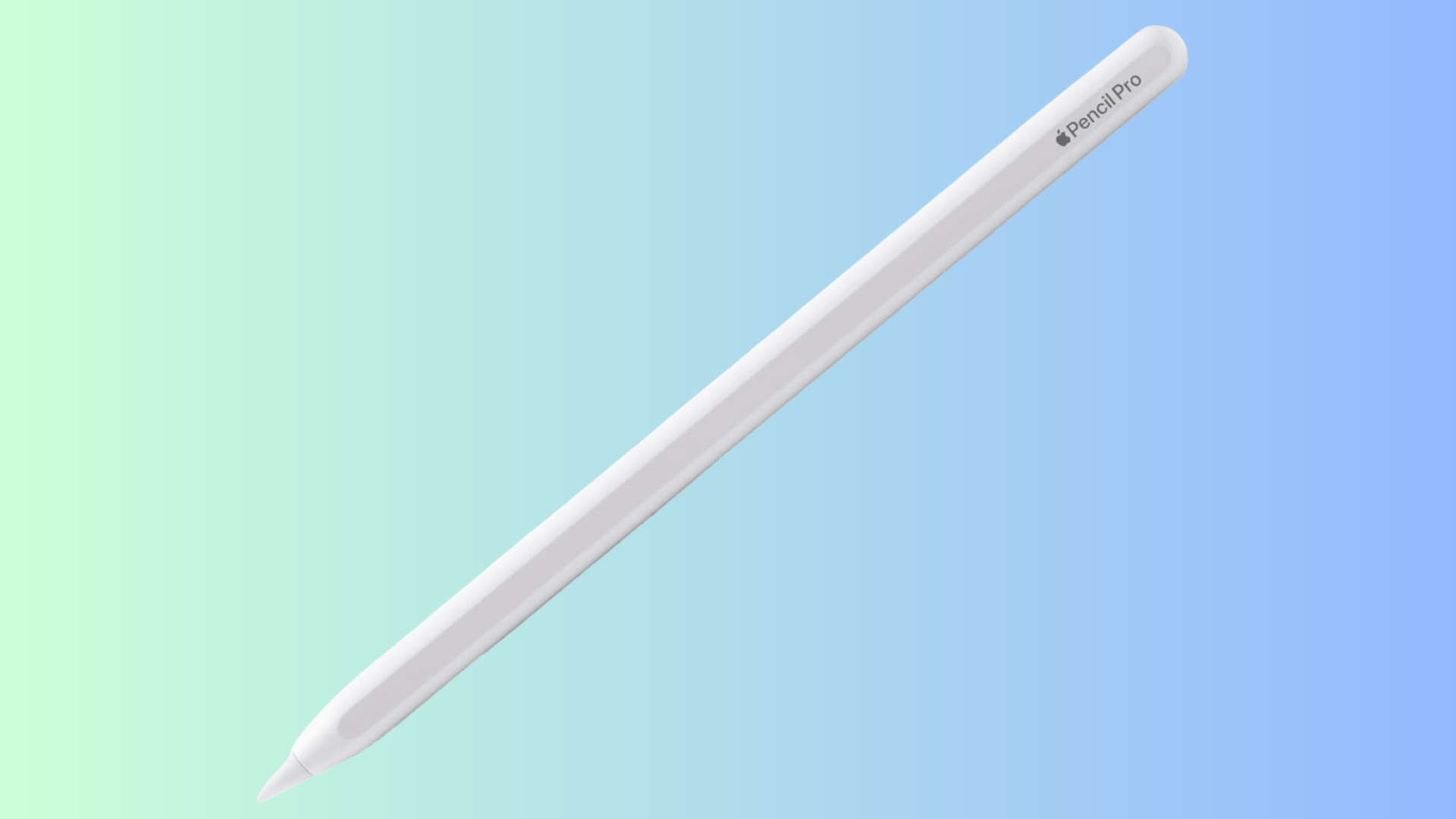
Price: $129
This stylus offers very accurate control for writing, drawing, and marking files, making screen interaction feel natural during long creative or study sessions.
It connects using Bluetooth and attaches magnetically to supported iPads, where it pairs automatically and charges without cables or extra setup steps.
This works best for digital artists, college students taking handwritten notes, and professionals who edit designs or documents often.
To use it, attach it once to pair, then write, draw, or annotate directly inside supported apps like Notes, Procreate, or PDF tools.
2. Magic Keyboard
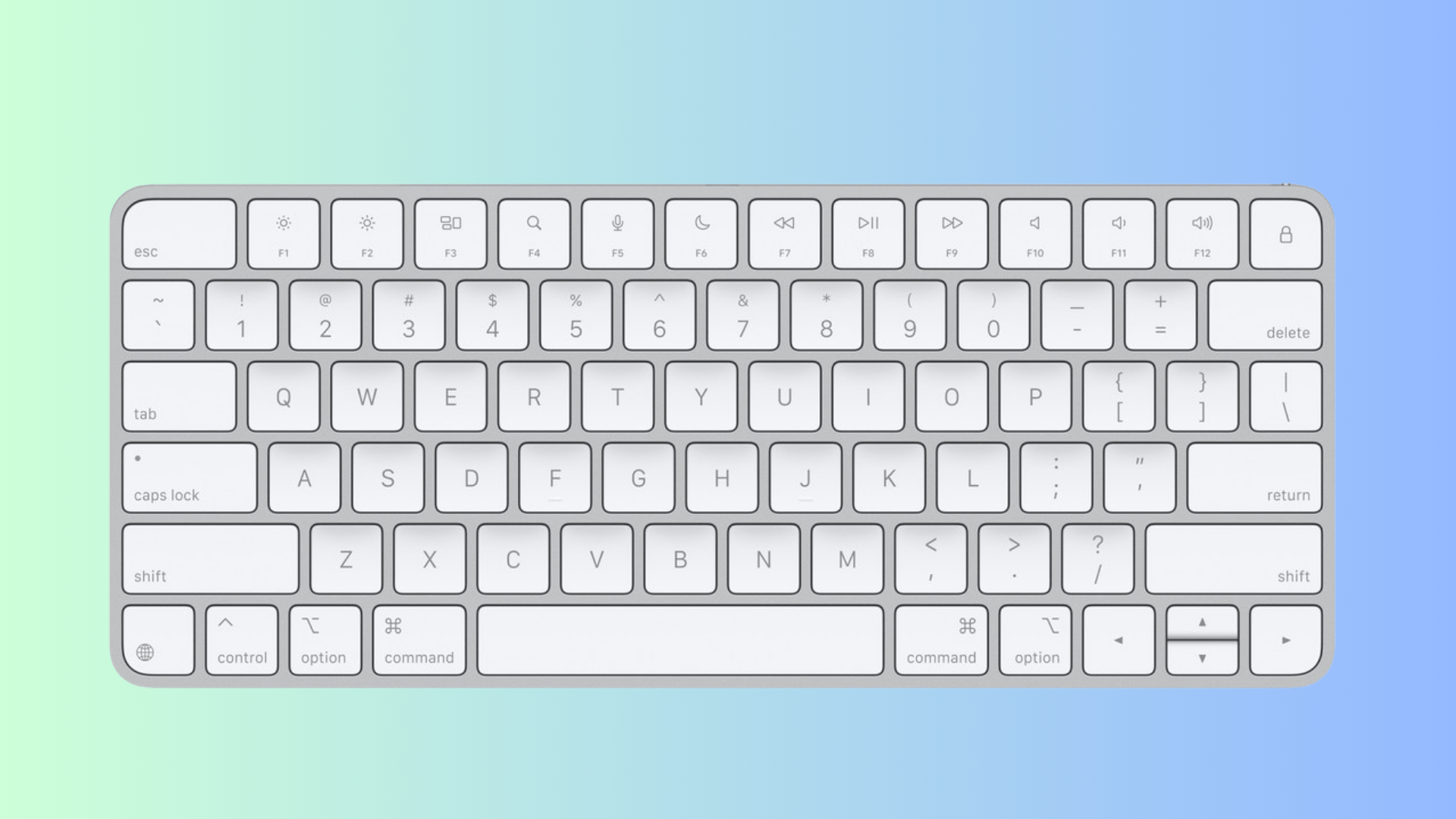
Price: $299 to $349
This keyboard case helps the iPad function more like a work device by adding comfortable keys and a smooth trackpad for daily writing tasks.
It connects using the Smart Connector, which transfers power and data instantly without Bluetooth pairing, charging cables, or manual setup steps.
This suits remote workers, college students, writers, and office professionals who spend hours typing documents, emails, or reports regularly.
To use it, attach the iPad magnetically, adjust the viewing angle, and begin typing or using gestures immediately.
3. Smart Folio Case
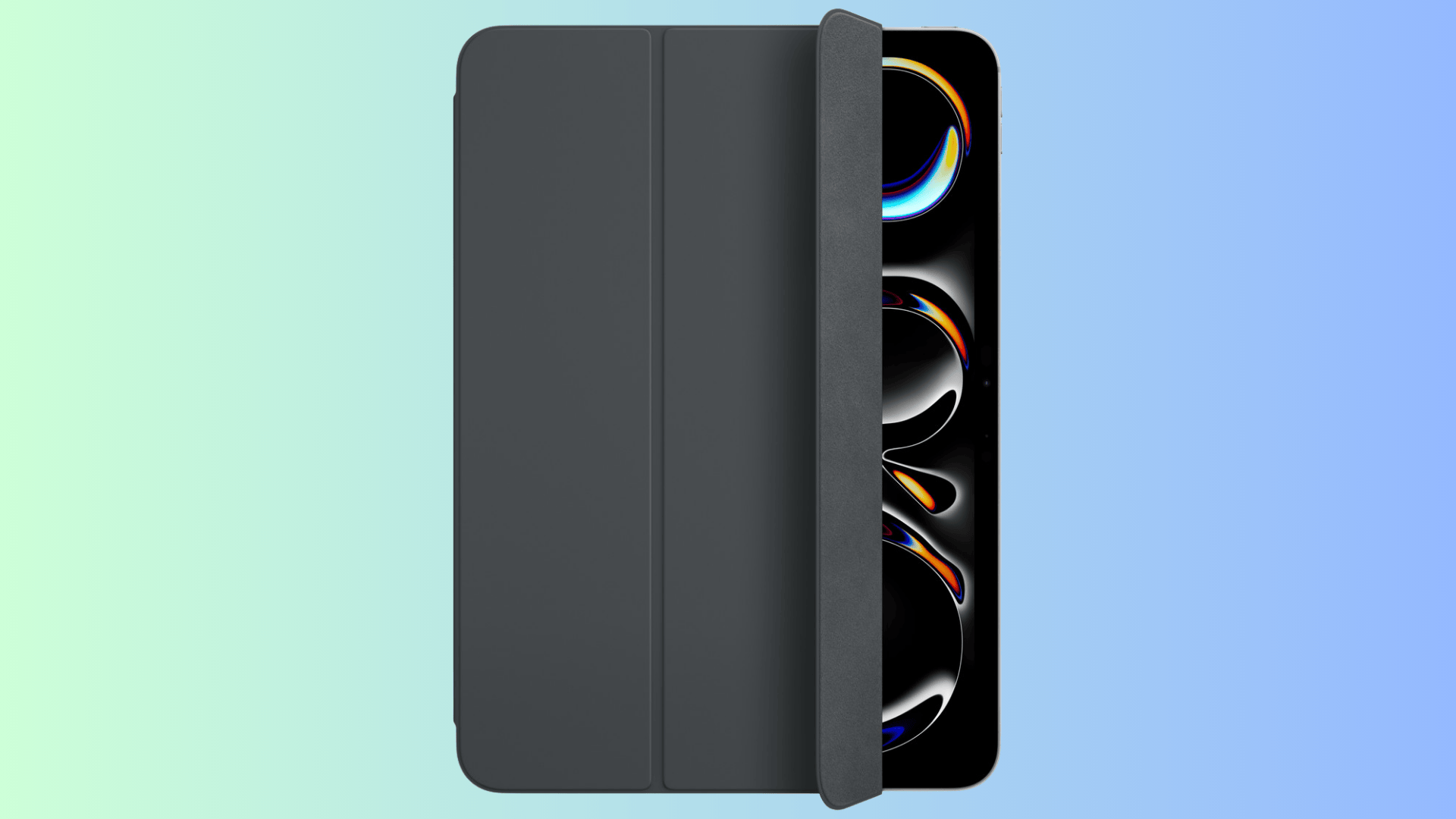
Price: $79 to $99
This slim cover protects both the front and back of the iPad while keeping the device light and easy to carry daily.
It attaches magnetically without electronic connections and supports automatic screen wake and sleep when opening or closing the cover.
This suits kids, casual users, travelers, and readers who want simple protection without adding weight or complicated features.
To use it, attach the cover and fold it into viewing or typing angles as needed.
4. Screen Protector
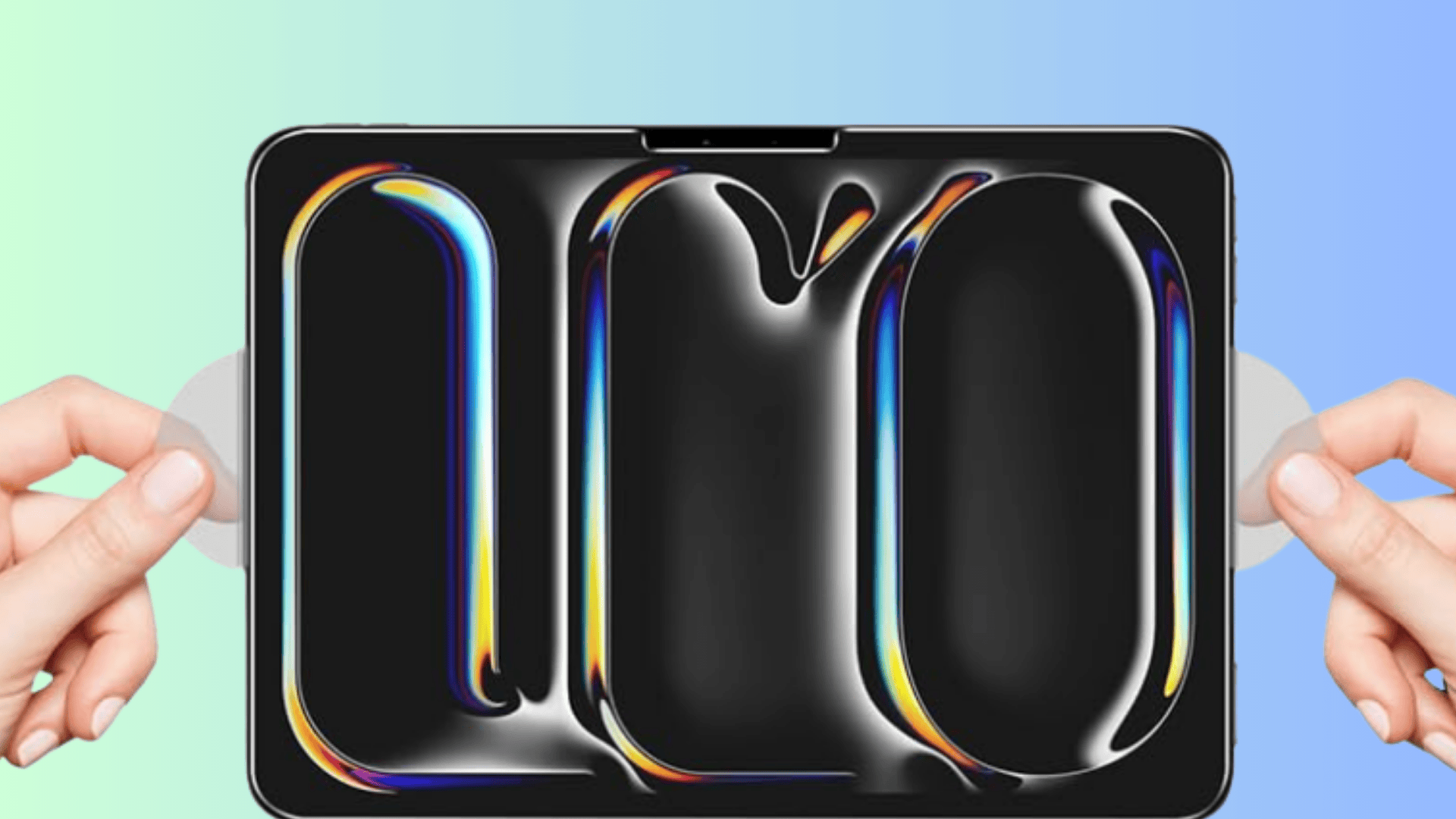
Price: $9 to $40 (depends on iPad generation & size)
This protective layer guards the screen from scratches while reducing glare and fingerprints during writing, drawing, and regular touch use.
It sticks directly to the display using adhesive and does not require ports, wireless signals, or system settings to function.
This suits students, artists, note takers, and hobby users who want screen safety without changing how the iPad feels.
To use it, clean the screen carefully, apply the protector evenly, and continue using the iPad normally.
5. Adjustable iPad Stand
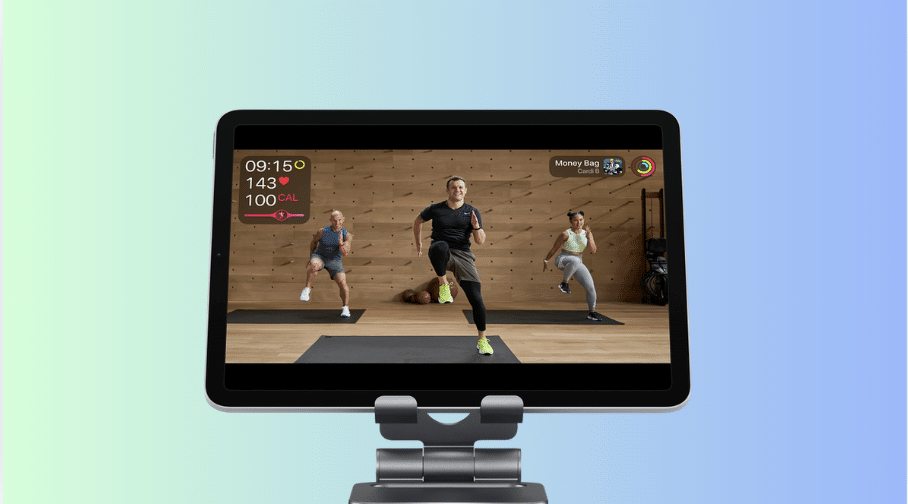
Price: $15 to $30
This stand holds the iPad at a comfortable eye level, helping reduce neck strain during video calls, reading sessions, or long viewing hours.
It has no electronic connection and supports the device using a stable frame with adjustable height and viewing angles.
This suits home office workers, cooks following recipes, teachers, and people attending long online meetings regularly.
To use it, place the iPad on the stand and adjust until viewing feels comfortable.
6. USB-C Hub
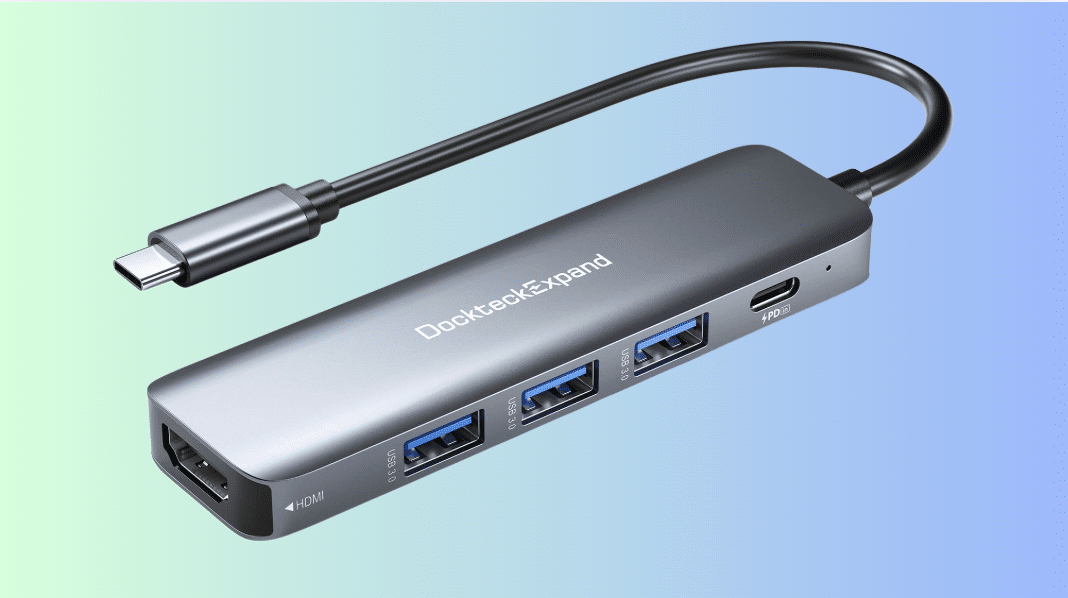
Price: $20 to $50 (Brand & Number of Ports Dependent)
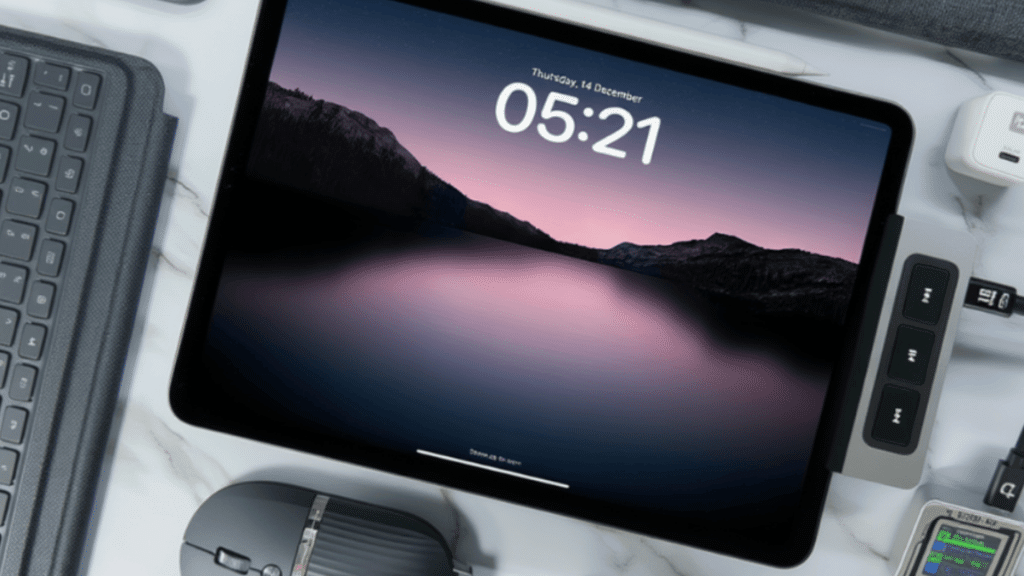
This adapter expands the single USB-C port, allowing connections to displays, storage drives, cameras, and wired accessories.
It plugs directly into the USB-C port, and some models support charging while devices remain connected.
This suits photographers, video editors, presenters, and users who frequently move files or use external screens, and people who need to attach extra accessories at once.
To use it, connect the hub and plug in supported devices through compatible apps.
7. Apple Pencil Grip
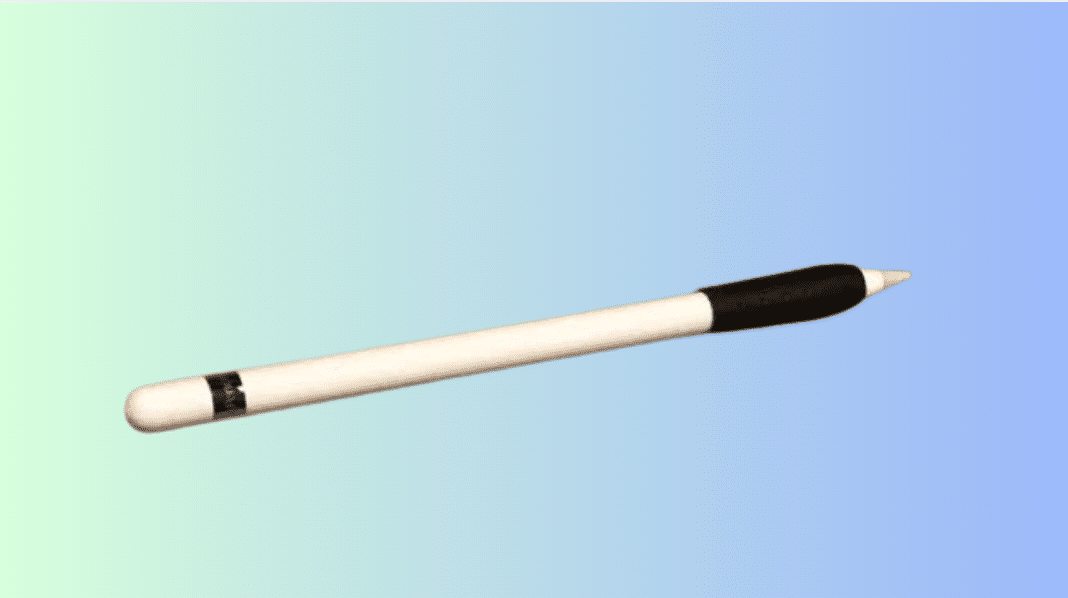
Price: $10 to $20 (Brand Dependent)
This soft grip improves comfort by adding grip and balance, which helps reduce hand strain during long writing or drawing sessions.
It slides over the Pencil easily and does not connect to the iPad or affect pairing, charging, or normal Pencil behavior.
This suits digital artists, school students, kids, and note takers who use the Pencil daily for extended creative or study work.
To use it, slide the sleeve onto the Pencil and continue writing or drawing normally on the iPad screen.
8. Portable Charger
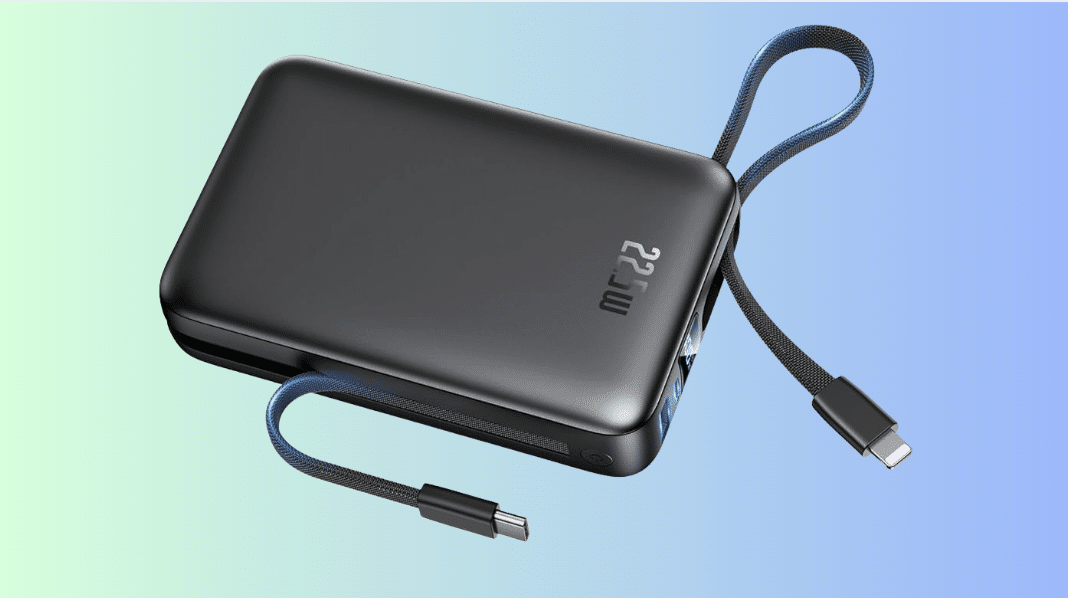
Price: $30 to $60 (Brand Dependent)
This portable battery helps keep the iPad powered during travel, outdoor work, or long days without access to wall charging.
It connects using a USB-C cable and delivers steady power while the iPad continues running apps or streaming content.
This suits travelers, college students, field workers, and users who depend on the iPad away from desks or outlets.
To use it, connect the cable to both devices and allow the iPad to charge while working or watching content.
9. Protective Grip or Holder
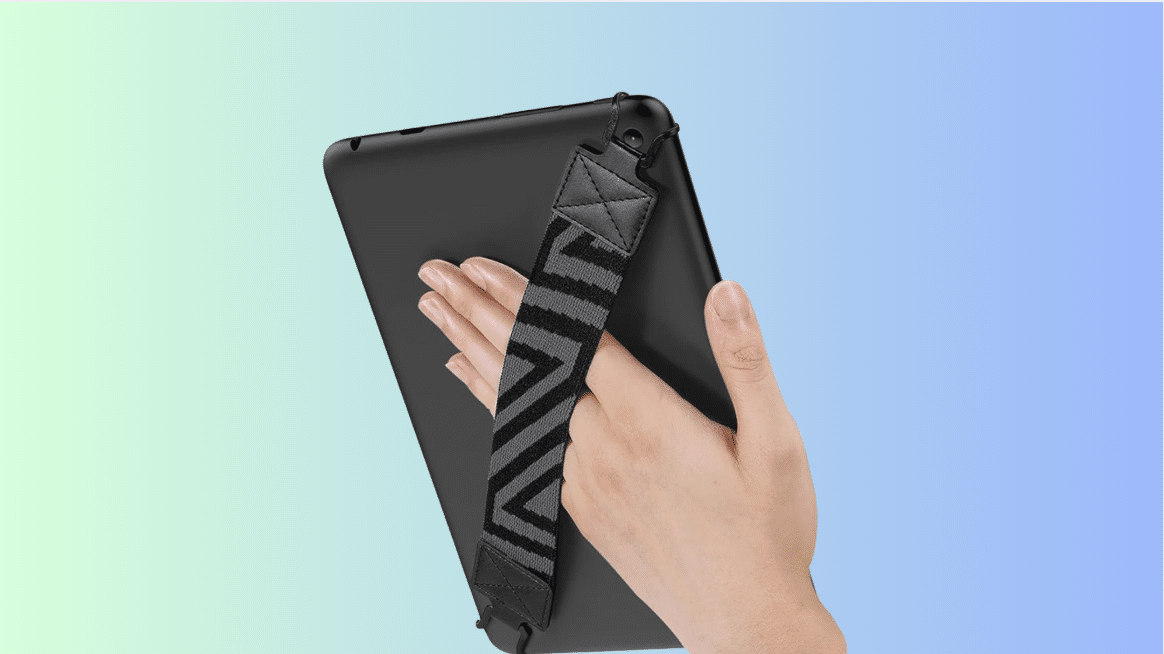
Price: $10 to $25 (Brand Dependent)
This grip adds extra hand support, making the iPad easier to hold securely while standing, walking, or reading for long periods.
It attaches using adhesive or straps and does not require electronic connections, charging, or any system settings, just a helper to hold your iPad.
This suits kids, commuters, casual readers, and users who often hold the iPad with one hand.
To use it, attach it to the back and hold the iPad more securely during daily activities.
10. Wireless Headphones
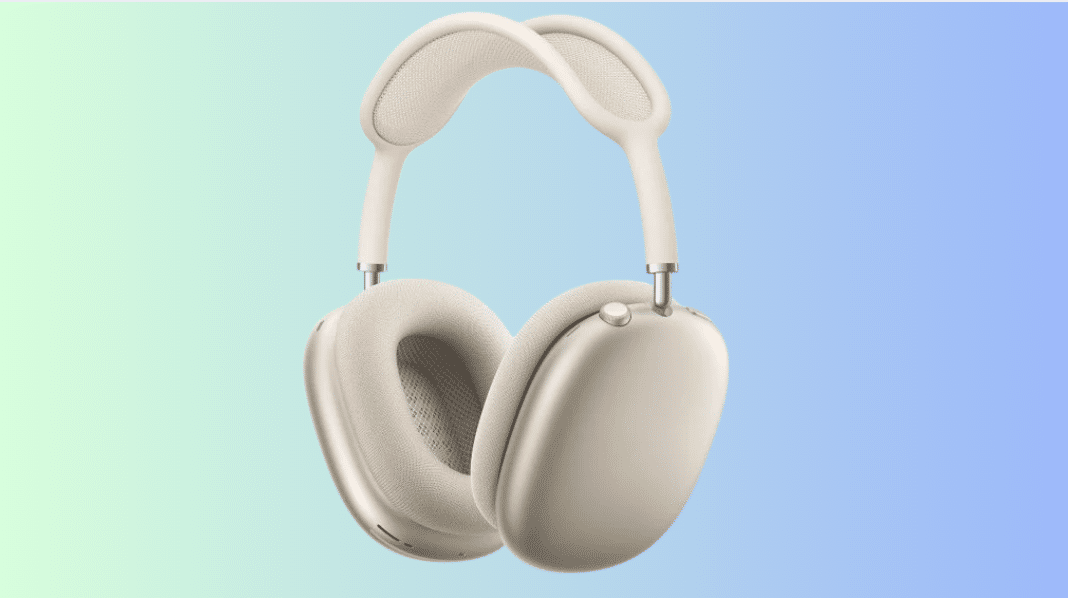
Price: $50 to $500 (Brand Dependent)
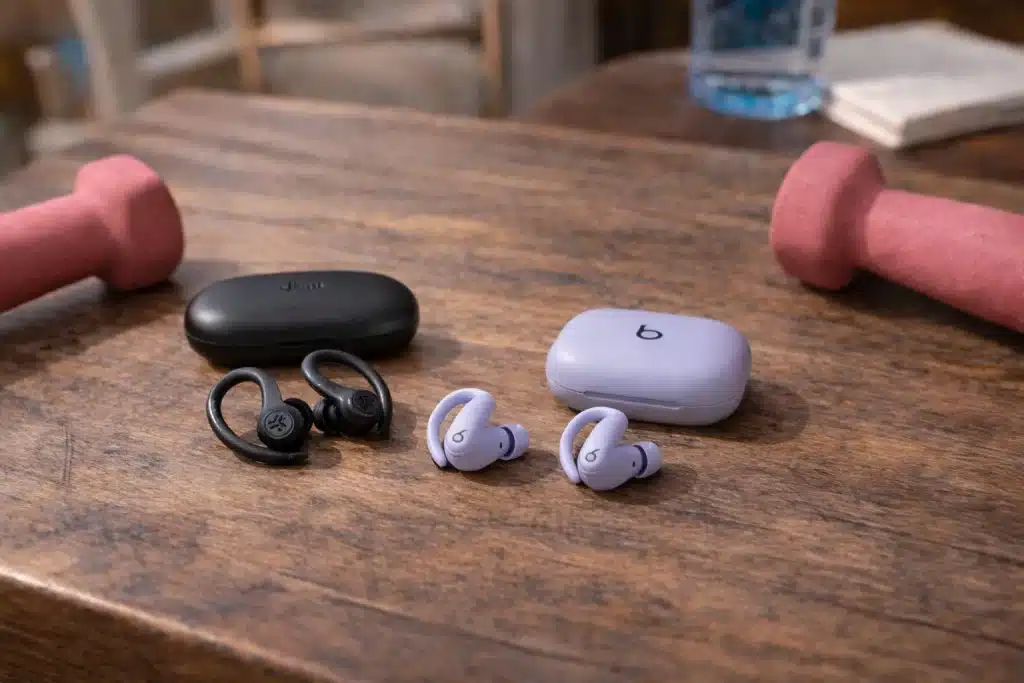
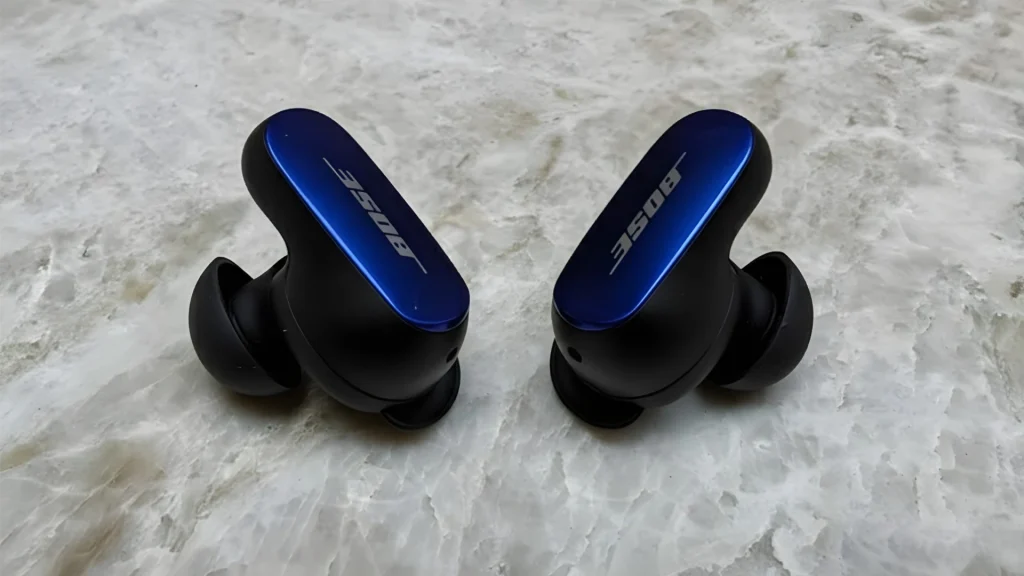
These wireless headphones provide private audio for videos, calls, and music, making iPad use comfortable in shared environments. You can buy any, whether it’s Apple’s product or any other brand.
They connect through Bluetooth pairing and work without cables once the connection is completed successfully.
This suits students in classes, remote workers on calls, and users who watch content late or while traveling, to focus on their work and not get disturbed by outdoor noise.
To use them, pair once in settings and enjoy wireless audio during calls, movies, or music sessions.
11. Magic Trackpad
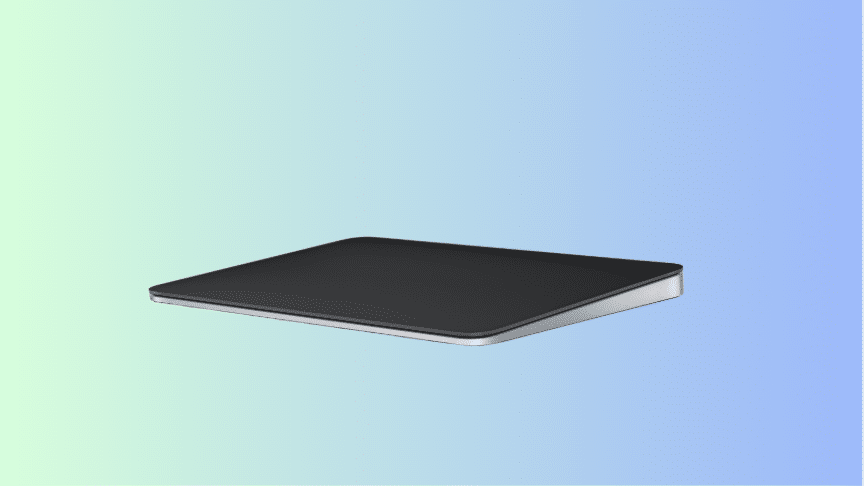
Price: $79 to $129
This input device adds precise cursor control, making tasks like editing, browsing, and selecting text feel faster and more accurate on iPad.
It connects using USB-C or Bluetooth (depending on which one you buy), delivering stable tracking and gesture support during everyday productivity work.
This suits designers, editors, office workers, and power users who prefer desktop-style control when managing detailed tasks for long periods.
To use it, pair through settings once, then move the pointer, scroll smoothly, and use gestures across supported apps comfortably daily.
12. Magnetic Keyboard Cases
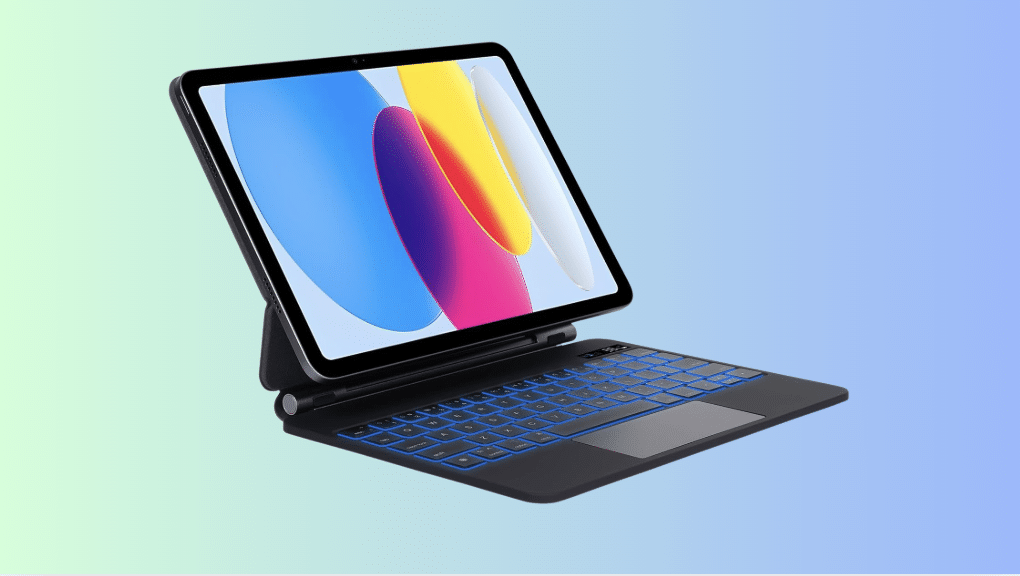
Price: $100 to $150 (Brand Dependent)
This keyboard case offers typing support and basic protection while letting users switch easily between laptop-style work and tablet use.
It connects magnetically using the Smart Connector or Bluetooth, depending on the model, without complicated setup steps.
This suits budget-focused students, remote workers, and professionals who want typing comfort without paying premium prices.
To use it, attach the case, connect the keyboard if needed, and start typing or folding back for touch use.
13. Digital Pencils or Alternative Styluses
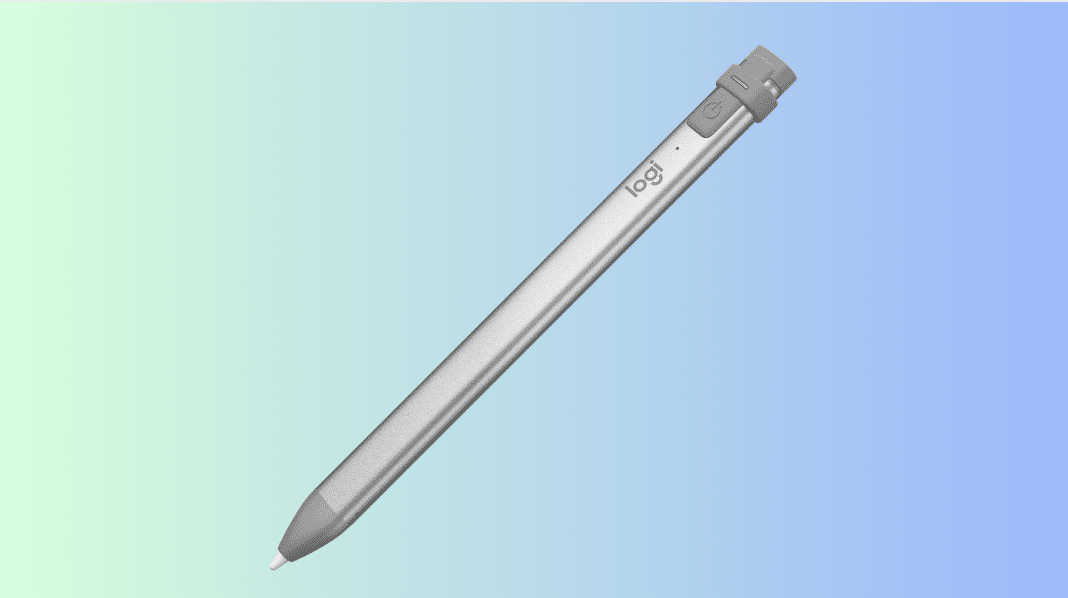
Price: $20 to $150 (Brand Dependent)
This stylus provides basic writing and drawing control, making it easier to take notes or sketch ideas without finger input.
It connects through Bluetooth or works instantly, depending on the model, with some versions supporting magnetic charging.
This suits beginners, hobby artists, students, and casual users exploring digital writing without high upfront costs.
To use it, pair if required, then write or draw inside supported apps on the iPad screen.
14. iPad Sleeve
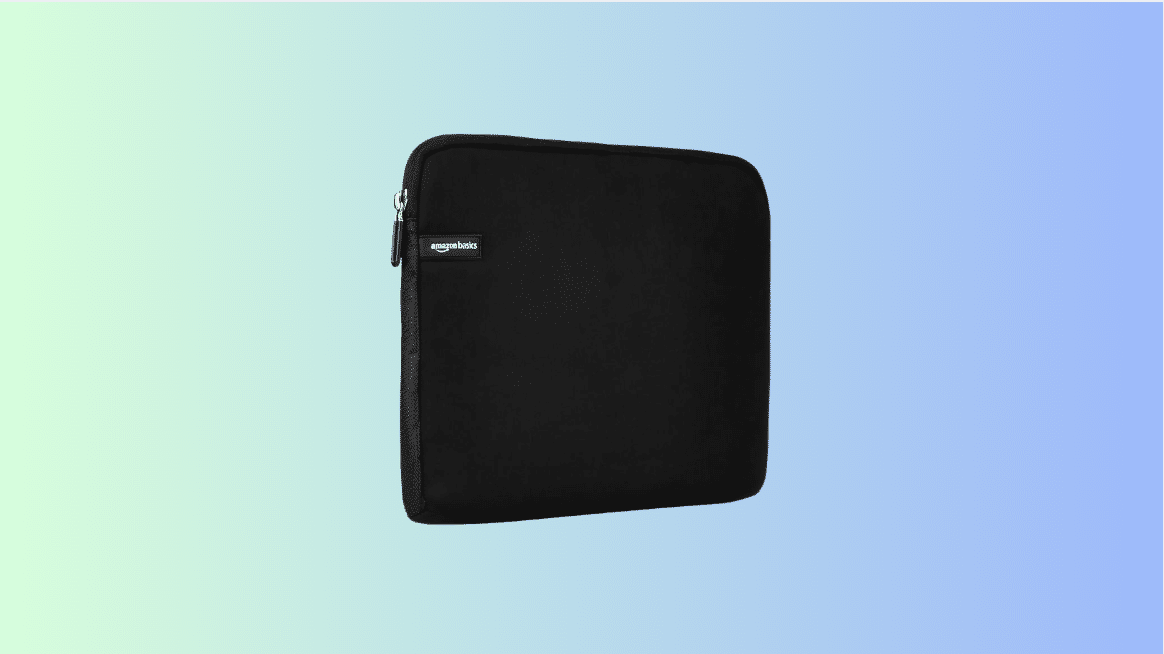
Price: $20 to $40
This padded sleeve protects the iPad from scratches and light impact while carrying it inside backpacks, handbags, or work bags.
It simply stores the device securely using soft lining and zippered closure, where you can carry your iPad & its extra accessories anywhere conveniently.
This suits commuters, travelers, students, and professionals who carry their iPad often between different locations daily.
To use it, slide the iPad into the sleeve before placing it in a bag or carrying it separately.
15. External Storage
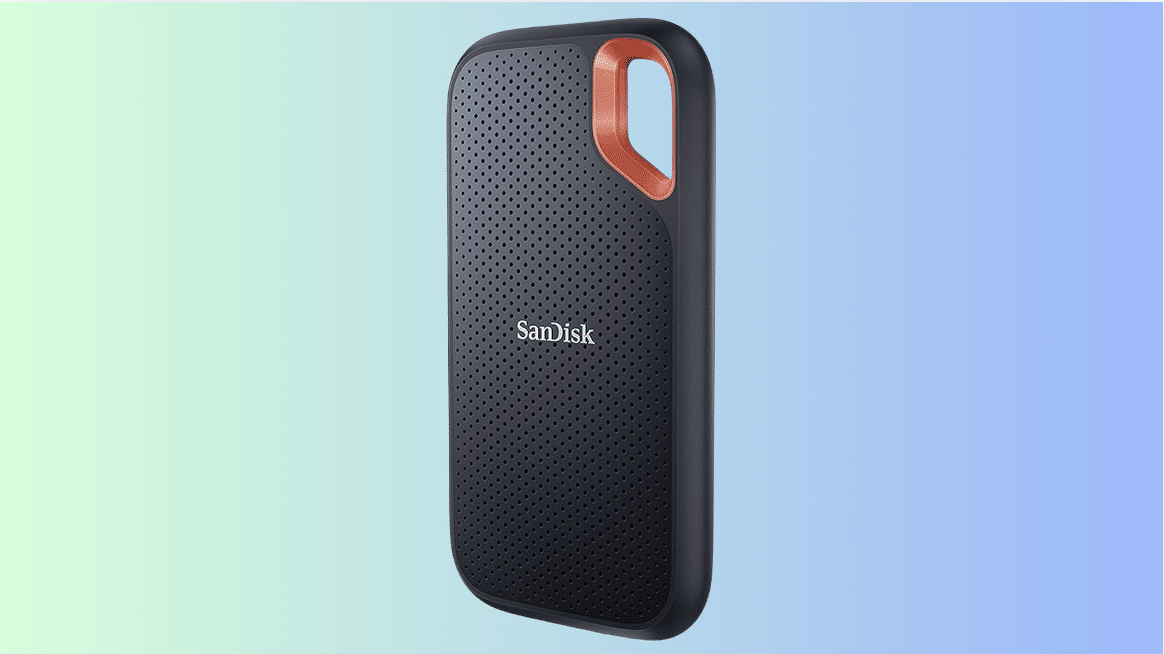
Price: $50 to $200 (Storage & Brand Dependent)
This portable storage device expands space for photos, videos, and documents, helping manage large files without relying only on cloud services.
It connects using a USB-C cable directly or through a hub, allowing fast file transfers and easy access inside the Files app.
This suits photographers, video creators, students handling projects, and professionals working with large media files regularly.
To use it, plug it in, open the Files app, and move or back up data as needed.
16. Gamepad
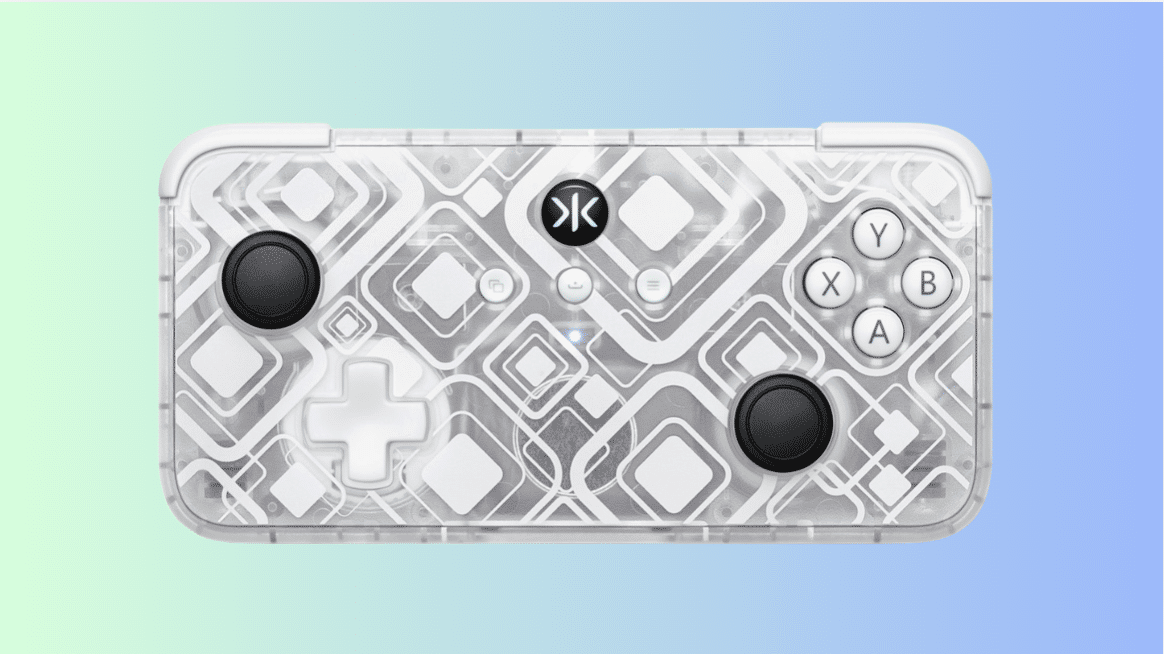
Price: $30 to $60
This controller adds physical buttons and joysticks, making games easier to control compared to touch input during long gaming sessions.
It connects through Bluetooth pairing, with some models attaching physically while others work wirelessly without cables.
This suits gamers, teens, and entertainment-focused users who often play action, racing, or other types of games.
To use it, pair it through settings and start playing supported games with physical controls.
17. Apple Pencil Tips
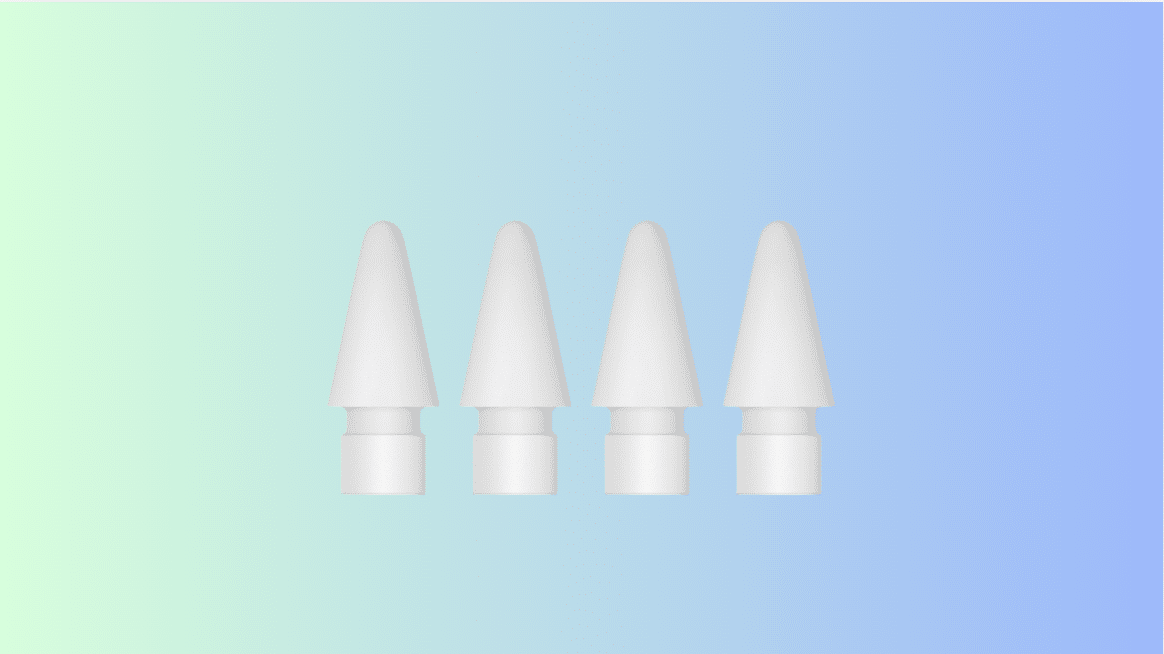
Price: $19.00 (Set of 4)
These replacement tips maintain writing accuracy and smooth contact when the original Apple Pencil tip wears down from regular use.
They screw onto the Apple Pencil easily, helping you use the iPad while preventing scratches or any marks that can damage the iPad or its screen.
This suits heavy note takers, artists, and students who use the Pencil daily for long writing or drawing sessions.
To use it, remove the old tip, attach a new one, and continue using the Pencil normally.
How to Choose the Best iPad Accessories?
Choosing the right accessories feels confusing at first, but things get clearer when decisions are based on daily habits instead of trends.
- Start by thinking about how the iPad is used most, like drawing, studying, office tasks, or casual watching during free time.
- Always check model compatibility, because many accessories only work with specific versions, especially newer models with design changes.
- Set a clear budget early, since higher prices do not always mean better real-life use for everyone.
- Read reviews that talk about long-term use, durability, and comfort instead of only first impressions or photos.
- Focus on build quality, since weak materials can fail quickly and sometimes even cause damage to the device.
Ending note, the best choice supports daily needs smoothly without adding weight, frustration, or wasted money.
Are Apple Accessories Worth It Compared to Third-Party Options?
Best iPad accessories by Apple, such as Magic Keyboard & Trackpad/Mouse, usually work smoothly because they are designed to match the iPad perfectly from day one.
Many users like how the setup feels simple, and problems rarely appear during updates or daily use.
The materials often feel solid, connect easily, and provide long-term performance even after months of heavy use.
But the price can feel high, especially for users who only need basic support instead of advanced features.
Third-party options often cost less and still handle common tasks well, like typing, drawing, or protection. Some even add useful extras Apple versions skip.
So the choice depends on comfort with pricing. While Apple works well for those wanting fewer issues, third-party fits better for saving money without losing everyday function.
Common Mistakes While Buying Best iPad Accessories
Many buyers rush into purchases without checking small details, which often leads to returns, regret, or wasted money later.
- Model compatibility: Buying accessories without confirming support often causes fit issues, charging problems, or features failing to work as expected.
- User reviews: Skipping real user feedback increases the risk of weak products that break quickly or feel uncomfortable during daily use.
- Price comparison: Paying extra for official accessories without checking alternatives can lead to overspending on features rarely used.
- Portability: Choosing bulky accessories reduces ease of carrying, especially for people who take their iPad daily in bags or backpacks.
- Basic protection: Ignoring simple protection raises damage risk, turning small drops into costly repair situations.
A little planning avoids frustration and helps accessories actually improve the experience instead of creating new problems.
Conclusion
Choosing the best iPad accessories becomes easier when decisions are based on daily habits, comfort, and how much value each accessory truly brings.
I believe the right choices help your iPad feel less frustrating and more supportive during work, study, or relaxed time at home.
You may not need everything at once, and starting with simple additions often shows what actually improves your routine.
Some options focus on comfort, others protect your device, and a few quietly help you save time without you noticing at first.
What matters most is picking items that fit how you already use your iPad instead of forcing new habits.
Which iPad accessory do you use the most, or which one are you planning to buy? Tell us, share with us in the comments below.