
Data moves fast in every business, and I’ve seen how messy information can quietly destroy productivity.
In one project I worked on, a team was pulling customer data from HubSpot, Stripe, Google Sheets, and a product database, and none of the numbers matched. Every weekly meeting turned into a debate over which dashboard was “right,” instead of actually making decisions.
That’s the real reason data integration services matter. They don’t just connect tools, they stop teams from wasting hours chasing the truth.
In this guide, I’ll explain data integration in a beginner-friendly way, but I’ll also share the practical details most articles skip, like tool costs, setup timelines, common failure points, and how to choose the right method based on your business size.
If you want a clear, real-world starting point that goes beyond definitions, you’re in the right place.
What is Data Integration?
Data integration is the process of bringing information from different places into one clear and consistent format.
It helps you take data from tools, apps, or systems that don’t usually work together and combine them so everything is easier to read and use.
At its core, data integration makes scattered information work as one.
When data comes in different styles, structures, or layouts, these services clean and organize it so you can trust what you see.
This matters because businesses depend on accurate and up-to-date information to make decisions. With data integration, you don’t have to jump between systems or guess which version is correct.
Instead, you get a single view that keeps things simple, steady, and ready for real work.
Key Components of Data Integration
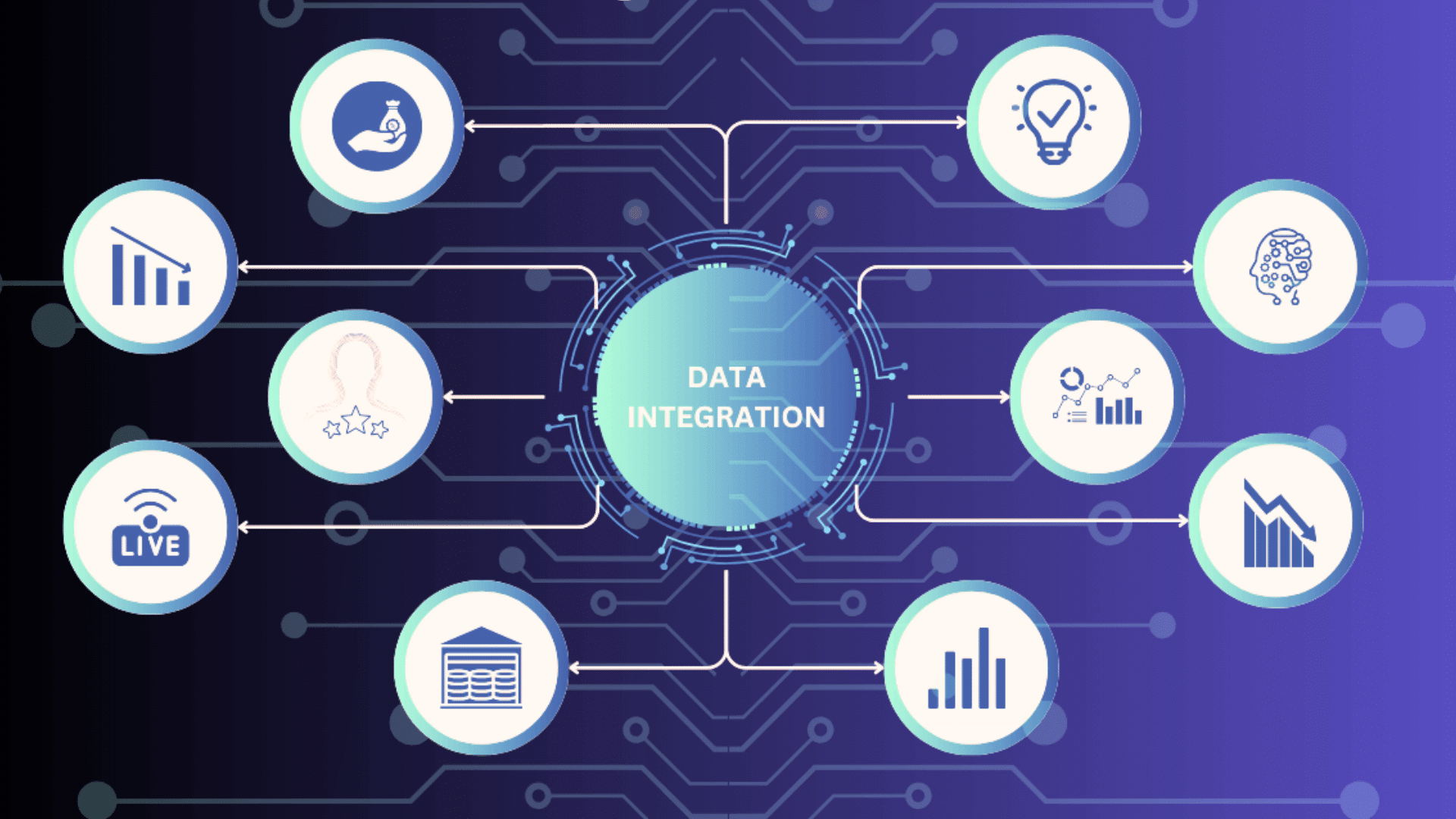
These core pieces work together to move data from its original location to a clean, usable format. Each part plays a clear role in keeping information accurate and easy to understand.
1. Data Sources
Data sources are the starting points where information comes from.
These can be apps, databases, spreadsheets, or online platforms your business uses every day. Each source may store data in different formats, which is why integration is needed.
The goal is to pull information from these places and bring it into one system.
When the sources are clearly identified, it becomes easier to gather data without missing important details or creating confusion.
2. Data Transformation
Data transformation changes raw information into a clean and consistent format.
This step removes errors, fixes mismatched values, and arranges data so it follows the same rules across all sources. It’s helpful because systems often use different structures, and transformation makes everything fit together.
When data is transformed properly, it becomes easier to read, compare, and use for reports or daily tasks.
This step ensures the final output is dependable and ready for decision-making.
3. Data Mapping
Data mapping shows how information from one system connects to another. It works like a guide that tells the integration service where each piece of data should go.
For example, a “Customer Name” field in one tool may need to match a similar field in another system.
Mapping prevents mix-ups and keeps data organized as it moves.
When mapping is done well, it creates a smooth flow that keeps everything aligned, consistent, and simple to use later.
4. Workflows
Workflows define the series of steps that data follows during integration.
They decide when data is collected, how it moves, and the order in which actions take place. A workflow may include tasks like checking quality, transforming information, and sending it to the right system.
Clear workflows prevent mistakes and help teams track what’s happening behind the scenes.
When these steps are planned out, the integration process becomes more stable, predictable, and easy to manage over time.
5. Destination Systems
Destination systems are where the cleaned and organized data ends up.
These systems can be dashboards, databases, or applications that teams use to make decisions or run daily operations.
The goal is to store information in a way that keeps it accessible and consistent for everyone who needs it.
When data reaches its destination correctly, it becomes a reliable source for reports, planning, and analysis. A strong destination system ensures that the final data stays clear, structured, and ready for us
Why Data Integration Services Matter?
Data integration services matter because businesses now collect information from many tools, and it’s easy for that data to become scattered.
When information sits in separate systems, teams lose time and make slower choices.
Integration services fix this by connecting data and keeping it in one place. This gives you a clear view of what’s happening, which supports better decisions and reduces guesswork.
At the core, connected data leads to faster and more reliable insights.
These services also help businesses stay efficient by removing manual work, cutting down errors, and keeping information updated across all systems.
With organized data, teams can focus on real tasks instead of sorting through confusing files or mismatched numbers.
This is why more companies rely on integration services to stay steady, informed, and ready to act.
What Data Integration Looks Like in Real Businesses (Examples You’ll Recognize)
Most businesses don’t struggle because they lack data. They struggle because the data is split across tools that were never designed to work together.
Here are common real-world setups where integration becomes necessary:
-
Marketing + Sales: HubSpot or Salesforce + Google Ads + Meta Ads + email platforms
-
Finance: Stripe + QuickBooks + Shopify + subscription billing tools
-
Operations: inventory systems + shipping tools + spreadsheets
-
Product analytics: app events + customer support + CRM data
-
Leadership reporting: dashboards pulling from 5–10 sources that update at different times
The most common issue I see is “data disagreement.” One tool says revenue is up, another says churn is rising, and nobody trusts the numbers.
A good integration system creates a single source of truth, so teams stop arguing and start acting.
Common Types of Data Integration Methods
These methods describe how data moves from one place to another. Each approach supports different business needs and levels of speed.
1. ETL (Extract, Transform, Load)
ETL collects data from different sources, cleans and reshapes it, then loads it into a final system.
It works well when you need accurate and consistent information for reports or analysis. ETL is often used in data warehouses because it prepares the data before storing it.
This method is helpful for businesses that rely on organized, ready-to-use information.
Although it may take more time, ETL ensures high-quality results that support clear and steady decision-making.
2. ELT (Extract, Load, Transform)
ELT brings data into the destination system first and transforms it afterward. This method is useful when working with modern cloud platforms that can process large amounts of information quickly.
ELT allows businesses to store raw data and shape it as needed, giving teams more flexibility.
It is often faster than ETL because it reduces early processing steps.
ELT works best for companies that want scalable solutions and prefer to handle transformation within powerful storage systems.
3. Real-Time Integration
Real-time integration moves data instantly as changes happen, which helps teams work with the most current information.
It’s valuable for tasks that rely on quick updates, such as tracking sales, inventory, or user activity.
This method reduces delays because data doesn’t wait for scheduled transfers. Real-time integration is helpful when fast decisions matter, especially in fast-moving industries.
When systems stay synced in the moment, businesses gain a clear picture of what’s happening at any time.
4. APIs
APIs allow systems to share data by creating secure and structured connections between them. They work like bridges that let one tool send or receive information from another.
APIs are flexible and support both small and large data exchanges.
Many apps and cloud services use them because they are reliable and easy to scale.
With APIs, businesses can connect platforms without heavy technical changes, making it simple to build integrations that grow as needs change.
5. Data Virtualization
Data virtualization lets you view information from different sources without physically moving it.
Instead of copying or storing data elsewhere, it creates a unified layer that shows everything in one place. This method speeds up access because the data stays where it originally lives.
It’s helpful for businesses that want fast insights without long processing steps.
Data virtualization also reduces storage needs and simplifies management, giving teams a clear view of their information without complex transfers.
Popular Data Integration Tools (Beginner-Friendly Comparison)
Data Integration Pricing (What Businesses Usually Pay)
Pricing varies widely, but here’s a realistic breakdown of how costs usually work.
| Tool Type | Typical Pricing Model | Best For | Cost Range (General) |
|---|---|---|---|
| Automation tools (Zapier/Make) | Monthly subscription | Simple workflows, small teams | Low |
| ELT tools (Stitch/Airbyte/Fivetran) | Based on data volume/connectors | Warehouses + analytics | Medium |
| Enterprise integration (MuleSoft/Informatica) | Custom/contract pricing | Large orgs, compliance-heavy | High |
| Managed integration services | Monthly retainer + setup | Companies that want it done for them | Medium–High |
If you search for data integration services, you’ll quickly realize there are many options, and most of them sound the same at first.
Many tools charge based on data volume, not features. That means your costs can rise as your business grows, even if your usage stays the same.
Here are beginner-friendly tools and where they usually fit:
1. Fivetran (Best for automated data pipelines)
Fivetran is often used when a business wants a reliable pipeline into a warehouse like Snowflake or BigQuery. It’s popular because setup is simple and connectors are strong.
2. Stitch Data (Good entry-level option)
Stitch is a common starting tool for smaller teams that want basic ELT without complex setup. It’s usually chosen for affordability and simplicity.
3. Airbyte (Best for teams that want flexibility)
Airbyte is popular for teams that want more control. It’s often used when businesses want custom connectors or prefer open-source options.
4. Zapier and Make (Best for lightweight automation)
These aren’t full enterprise integration platforms, but they work well when your goal is simple automation between tools, like pushing leads from forms into a CRM.
5. MuleSoft / Informatica (Enterprise-level integration)
These tools are usually used by large companies with heavy compliance needs, complex workflows, and dedicated integration teams.
The biggest mistake beginners make is choosing a tool that is too complex too early. For many small teams, lightweight automation is enough until reporting becomes more serious.
How Data Integration Services Work?
Data integration services work by guiding information through a simple, organized flow. The process starts with collecting data from different sources, such as apps, databases, or files.
Once the data is gathered, the service checks it for errors, duplicates, or missing details to make sure it’s reliable.
After this check, the data moves into the transformation stage, where it’s cleaned and reshaped into a consistent format that different systems can understand.
Workflows then direct how and when the data moves to the next step.
When everything is prepared, the service delivers the cleaned data to a destination system, such as a dashboard or database.
This gives teams one clear place to view and use accurate information for daily tasks and decision-making.
How Long Data Integration Takes (Realistic Timelines)
A lot of beginners assume integration takes months, but the timeline depends on complexity.
Here’s what the setup usually looks like:
-
1–2 days: Simple automation between 2–3 tools (example: leads → CRM → email list)
-
1–2 weeks: ELT setup into a warehouse with clean dashboards and basic transformation
-
3–6 weeks: Multi-department integration (sales + finance + product) with data cleanup
-
2–4 months: Enterprise integrations with compliance, approvals, and custom workflows
The longest part is usually not the tool setup. It’s cleaning the data and deciding what “correct” means across teams.
Benefits of Using Data Integration Services
These services offer clear advantages that help teams work smoothly. They make information easier to trust, share, and understand.
1. Improved Accuracy
Data integration services improve accuracy by cleaning and organizing information before it reaches your final system.
This reduces errors that come from manual entry or mismatched sources. When data is consistent and correct, teams can rely on it for reports, planning, and daily tasks.
Accurate data also helps prevent confusion and supports better decisions.
With fewer mistakes and cleaner inputs, businesses build a stronger foundation for long-term growth and smoother workflows across departments.
2. Faster Insights
Integration services help teams access insights faster by bringing all information into one place.
Instead of jumping between tools or waiting for manual updates, users get a clear view of the latest data. This speed helps businesses respond quickly to changes, spot trends, and make informed decisions.
When information flows without delays, teams can act with confidence.
Faster insights also reduce the time spent on searching, sorting, or verifying data, making work more efficient overall.
3. Automation
Automation is a key benefit because it removes repetitive tasks from daily work.
Integration services automatically collect, clean, and move data without constant human input. This saves time and reduces errors caused by manual handling.
With automated processes, teams can focus on important tasks instead of fixing data issues. Automation also keeps information updated across systems, so everyone works with the same correct version.
This creates smoother operations and more dependable workflows throughout the business.
4. Better Data Consistency
Data integration services create better consistency by ensuring information follows the same rules across all systems.
When data looks and reads the same everywhere, teams avoid confusion and work more efficiently. Consistency boosts collaboration by giving everyone the same up-to-date details.
This reduces mix-ups between departments and supports smoother communication.
Consistent data helps maintain clear records, reliable reports, and stable processes, making decision-making more trustworthy.
5. Reduced Manual Work
Reduced manual work is a major advantage because it frees teams from time-consuming tasks.
Integration services handle the heavy lifting of gathering and organizing information. This cuts down on copy-and-paste steps, repeated checks, and fixing formatting issues.
With less manual effort needed, the risk of mistakes also drops. Teams can use their time on meaningful projects instead of data cleanup.
As a result, businesses become more productive and maintain smoother, more reliable data systems.
Challenges Businesses Face in Data Integration
Many businesses run into common issues that slow down the integration process. Understanding these challenges helps teams prepare and make better decisions.
- System Compatibility: Different tools and platforms don’t always work well together, making it hard to move data smoothly between systems.
- Data Quality Issues: Incomplete, duplicated, or outdated data leads to errors and unreliable results, requiring extra cleanup.
- Data Silos: Information stored in separate departments or tools creates gaps and limits access, slowing collaboration.
- Scaling Problems: As a business grows, larger data volumes become harder to manage without stronger tools.
- Complex Workflows: Complicated steps and unclear processes can slow down integration and increase the chance of mistakes.
- Security Concerns: Moving data across systems raises risks if businesses don’t follow strong protection and privacy practices.
Cloud vs. On-Premise Data Integration
Both options help businesses manage and connect their data, but they work in different ways. This comparison shows when each approach is the better fit.
| Feature | Cloud Data Integration | On-Premise Data Integration |
|---|---|---|
| Setup | Faster setup with less hardware | Slower setup with local servers |
| Cost | Subscription-based, lower upfront cost | Higher upfront cost + maintenance |
| Security | Strong security but depends on provider | Full internal control over security |
| Scalability | Easy to scale quickly | Scaling requires new hardware |
| Best For | Most modern small to mid businesses | Enterprises with strict compliance |
When You Should NOT Use Data Integration Services Yet
This part is important because not every business needs integration right away.
You may not need a full data integration service if:
-
You only use 1–2 tools and your reports are still simple
-
Your team isn’t tracking consistent metrics yet
-
Your data is too messy to define basic rules (example: inconsistent naming, missing IDs)
-
You don’t have anyone responsible for data ownership
-
You’re not ready to maintain the system long-term
In those cases, it’s often better to fix your tracking first, then integrate later.
Data integration works best when you already know what questions you want your data to answer.
Best Practices for Smooth Data Integration
Following a few simple practices can make integration easier and more reliable. These steps help teams avoid mistakes and keep data clean and consistent.
- Define Clear Goals: Know what you want to achieve so every step supports the final outcome.
- Check Data Quality Early: Fix errors, duplicates, and missing values before moving data.
- Choose the Right Tools: Pick tools that match your system size, budget, and long-term needs.
- Set Up Strong Workflows: Create clear steps that guide how data moves and updates.
- Monitor Regularly: Keep an eye on performance to catch issues before they cause problems.
- Document the Process: Write down workflows, rules, and system connections to avoid confusion later.
- Train Your Team: Make sure everyone understands how the integration works and what their role is.
How to Choose the Right Data Integration Service?
Choosing the right data integration service starts with ease of use, because a tool that’s simple to navigate saves time and reduces stress.
You should also look at scalability. Your data needs will grow, and the service must grow with you.
Cost is another key factor, and pricing models can vary widely. Pick something that fits your budget without limiting future plans.
Compatibility matters just as much, since the tool should connect smoothly with your current systems.
Strong support is important too. Beginners often need guidance, and reliable help can make the setup easier.
When these factors come together, you can choose a service that keeps your data organized and ready for daily work.
Questions to Ask Before Choosing a Data Integration Service
Before paying for any platform, ask these questions:
-
What are my top 3 systems that must connect first?
-
Do I need real-time data, or is daily syncing enough?
-
Will this tool charge based on data volume or number of connectors?
-
Who will own the integration long-term if something breaks?
-
Does my business need compliance features (SOC 2, GDPR workflows, audit logs)?
-
Do I want a warehouse-first setup, or do I just need automation?
If you can answer these clearly, choosing a tool becomes 10× easier.
Conclusion
Data integration services are not just a technical upgrade. They’re a productivity upgrade.
When your business pulls data from different tools, the real cost is not the software. The real cost is the time lost in meetings, manual reporting, duplicate spreadsheets, and decisions made from mismatched numbers.
If you’re a beginner, start simple. Pick your top 2–3 data sources, define what success looks like, and choose a tool that matches your size today, not your dream company in 5 years.
Once your foundation is clean, data integration becomes one of the fastest ways to improve reporting, decision-making, and operational clarity across the entire business.