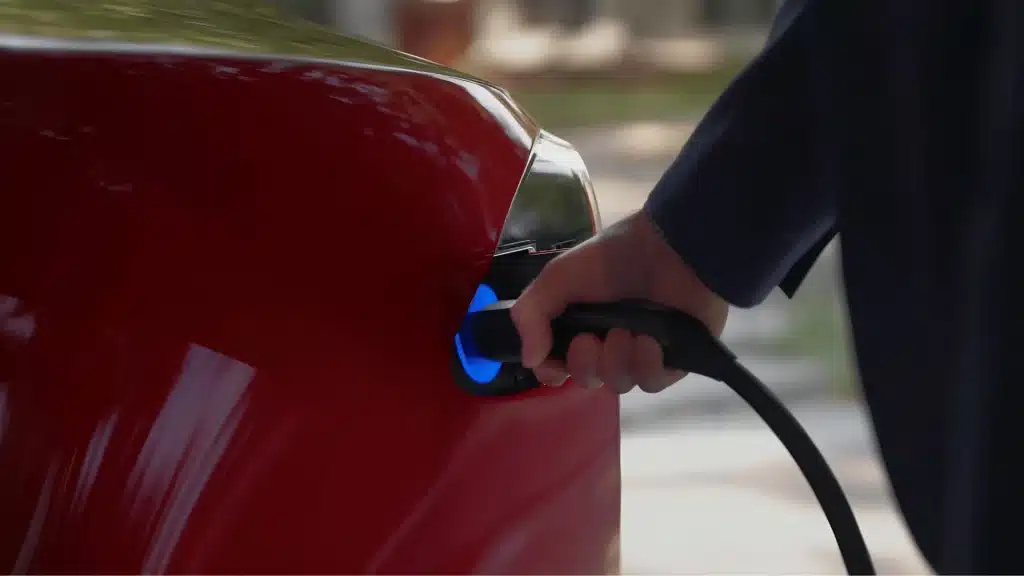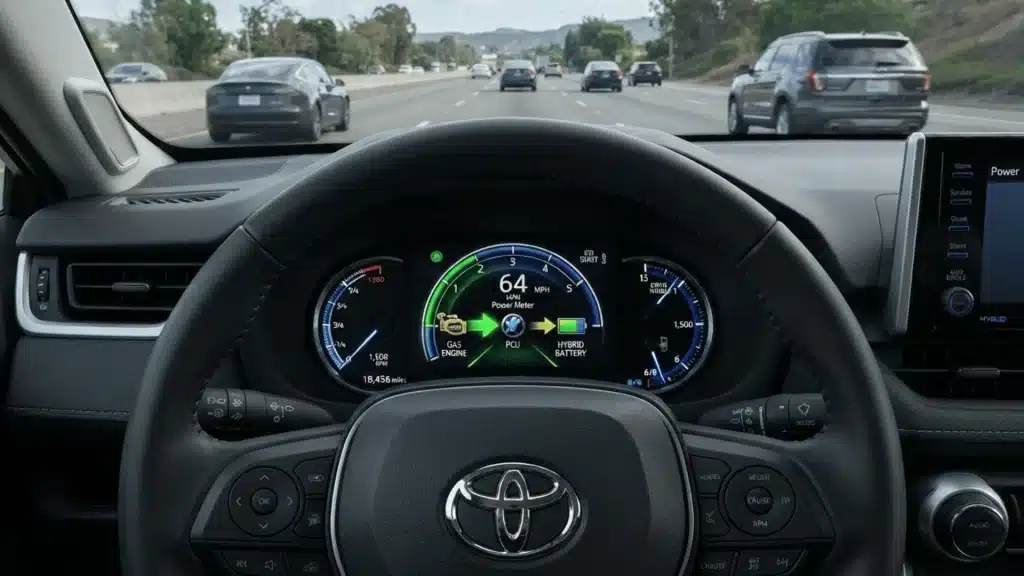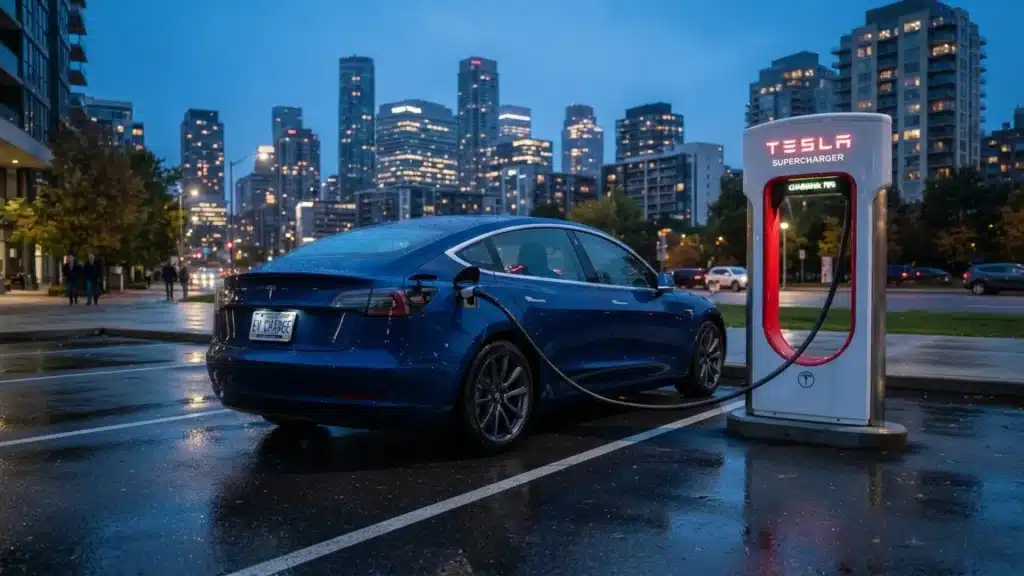
Every time you ease off the accelerator in a Tesla, the car quietly replenishes the battery.
Most owners I talk with are surprised by how much control they actually have over this system. You are not stuck with whatever the car defaults to.
The settings are accessible, the logic is straightforward, and once you understand it, Tesla regenerative braking stops feeling like a quirk and starts working like a tool you use deliberately.
This guide covers how the system works, where the settings live in 2026, what limits it, and the driving habits that get you the most out of it.
What is Tesla Regenerative Braking and How Does It Work?
Tesla regenerative braking converts kinetic energy into electricity whenever you lift your foot off the accelerator, sending that energy back into the battery instead of wasting it as heat.
The system works automatically on all Tesla models without needing to activate a separate mode. As the car slows, the electric motor runs in reverse, creating resistance that helps slow the car while generating electricity.
Unlike traditional brakes, which rely on friction and generate heat, regenerative braking recovers a large portion of lost energy and improves efficiency.
According to the U.S. Department of Energy, regenerative braking captures up to 70% of the kinetic energy that would otherwise be lost during a stop.
Because the car relies less on physical brake pads and rotors, brake wear is significantly reduced, allowing some owners to go years without brake service.
Maintaining your EV battery properly also plays a role in how consistently regenerative braking performs over time.
Some owners go years without any brake service, which is one of those long-term savings that tend to surprise people new to EVs.
Drivers can monitor energy recovery in real time through the power meter displayed on the Tesla touchscreen.
How Tesla Regenerative Braking Activates While Driving?
Regen is automatically enabled in every Tesla. There is no separate mode or button. The moment you ease off the accelerator while driving, the system starts slowing the car and sending energy back to the battery.
A gentle lift creates mild deceleration, while fully releasing the pedal at higher speeds produces stronger braking and recovers more energy.
One thing that catches many drivers off guard: on most Tesla models, the brake pedal itself does not handle regenerative braking. Regen works entirely through the accelerator.
Pressing the brake pedal activates the regular hydraulic brakes instead. The 2026 Model Y is the main exception, where brake pedal input also contributes to regen under the new Reduced mode.
Tesla also activates the brake lights automatically during strong regen, even if your foot never touches the brake pedal, helping drivers behind react safely.
At very low speeds, usually under 4 mph in Hold mode, the system smoothly switches from regen to the physical brakes to bring the car to a complete stop.
When Autopilot or full self-driving is active, Tesla manages regenerative braking automatically based on traffic speed, following distance, and route conditions.
In those modes, the system tends to apply regen earlier and more consistently than most drivers do manually, which typically improves energy recovery on highway trips where lifting off the accelerator in response to traffic is frequent.
Tesla Regenerative Braking Settings by Model

This is where things vary more than most guides acknowledge, and getting it wrong causes real confusion.
1. Standard Regen on Most Tesla Models
Most Tesla models, including the Model 3, older Model Y, Model S, Model X, and Cybertruck, now use only Standard regenerative braking.
Tesla removed the Low setting in late 2020 to simplify efficiency testing and encourage maximum energy recovery. If your Tesla does not show a regen strength option in the settings menu, that is completely normal.
Standard mode automatically delivers the strongest regenerative braking whenever you ease off the accelerator, with no extra setup required from the driver.
2. What Changed With the 2026 Model Y?
The 2026 Model Y Juniper refresh introduces a new Reduced regen option, something Tesla has not offered in years.
Reduced mode allows the car to coast more naturally when lifting off the accelerator, creating a feel closer to a traditional gas vehicle.
Unlike older Low regen systems, the new setup still captures similar energy because the brake pedal also contributes to regenerative braking.
The change focuses more on improving the driving feel and a smoother transition for new EV owners rather than reducing efficiency.
3. Why Older Regen Guides Can Be Misleading?
Many online Tesla guides still discuss Low regenerative braking settings, but most of that information applies only to vehicles built before 2021.
If you’ve been following older advice and wondering why you can’t find the setting, this is why.
Current Tesla models generally offer only Standard regen, except for the refreshed Model Y. Some older Performance trims briefly offered Low regen via Track Mode, though availability depended on software versions.
If your Tesla has no regen adjustment controls, it does not indicate a problem. That setup is expected for nearly every Tesla produced after 2020.
Tesla Regenerative Braking Settings: Quick Reference by Model
| Model | Regen Settings Available | One-Pedal Driving | Brake Pedal Adds Regen |
|---|---|---|---|
| Model 3 (2021 onward) | Standard only | Yes (Hold mode) | No |
| Model Y (pre-2026) | Standard only | Yes (Hold mode) | No |
| Model Y Juniper (2026) | Standard or Reduced | Yes (Hold mode) | Yes (in Reduced mode) |
| Model S / Model X | Standard only | Yes (Hold mode) | No |
| Cybertruck | Standard only | Yes (Hold mode) | No |
The “Apply Brakes When Regen is Limited” Setting
Tesla regenerative braking weakens when the battery is cold or nearly full because the pack cannot accept as much recovered energy.
In those moments, the car coasts more than expected and shows dotted lines on the power meter. For drivers who want consistent deceleration regardless of battery state, Tesla includes a fallback setting.
On most models, go to Controls > Pedals & Steering (or Controls > Dynamics, depending on firmware version) and enable “Apply Brakes When Regen Is Limited.”
This setting automatically engages the physical brakes when regen is reduced, so deceleration stays predictable even when the battery can’t absorb the full energy load.
In cold weather, preconditioning the car before driving helps the battery reach operating temperature faster, restoring full regen sooner.
Avoiding charges above 90–95% also keeps the regen bar responding normally at the start of a drive.
Winter tires can temporarily reduce regen while the system recalibrates, though this usually corrects itself after some driving or by manually selecting winter tires in settings.
On slippery roads, Tesla already adjusts regen automatically to reduce wheel slip, but sudden accelerator release on ice should still be avoided for smoother control.
Those interested in how far battery technology may push regen capabilities in the coming years can find useful context in this look at solid-state EV batteries.
Tesla Stopping Modes and Regenerative Braking
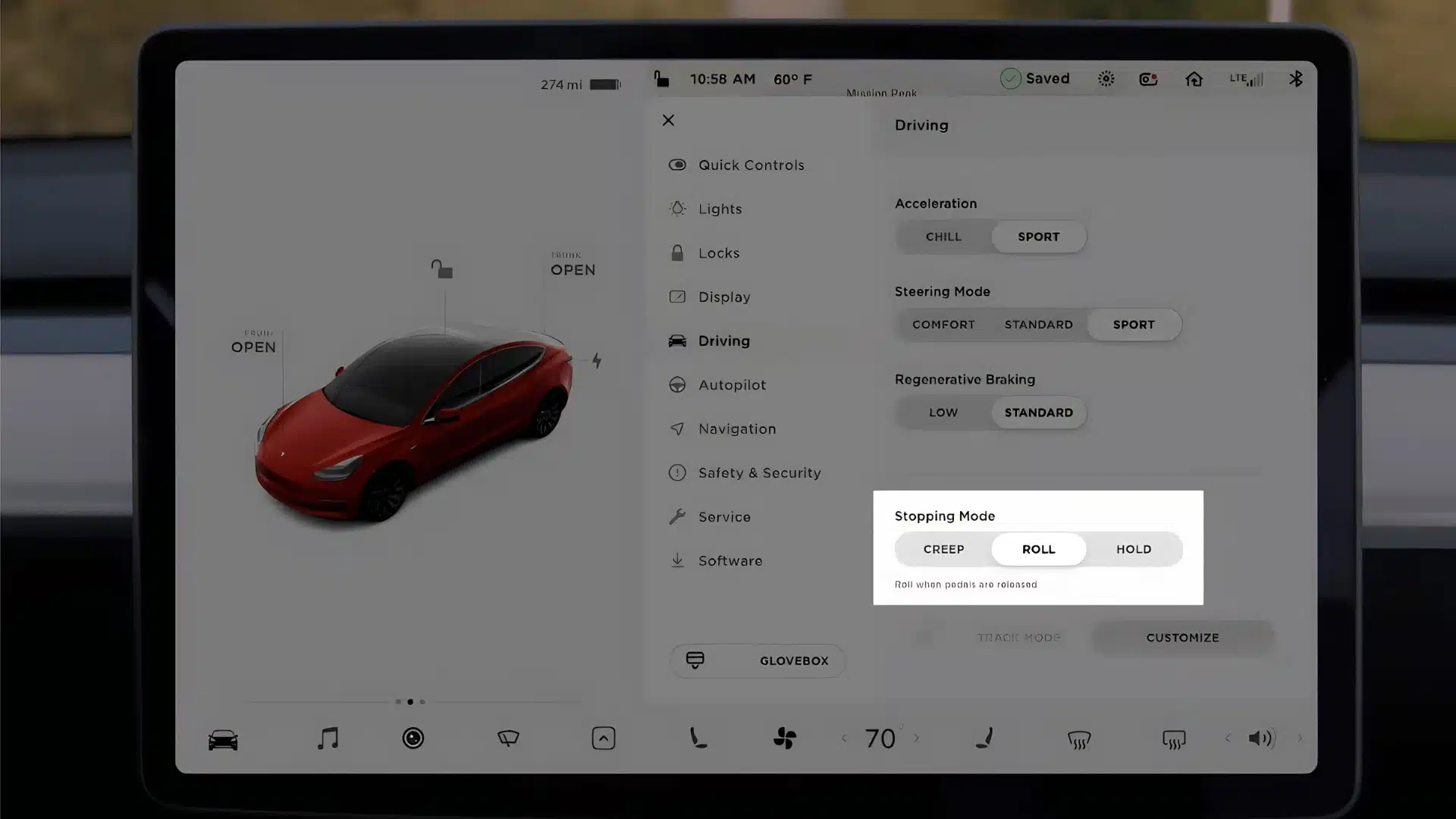
Tesla previously offered three stopping modes on vehicles built before January 2024: Hold, Creep, and Roll. Hold mode enabled, true one-pedal driving: bring the car to a full stop and keep it there automatically.
Creep simulated the behavior of a traditional automatic car by slowly moving forward at low speeds, while Roll allowed the vehicle to coast more naturally.
Many newer Tesla vehicles no longer include Creep and Roll modes. Hold is now the default stopping mode and the only option on most current builds, tied to updated EPA efficiency testing standards.
If your newer Tesla does not show these options, that is expected and not a missing feature. Hold mode works especially well in stop-and-go traffic.
For smoother deceleration, ease off the accelerator gradually rather than lifting your foot suddenly.
Practical Tips to Get More Range from Tesla Regenerative Braking
Smooth, anticipatory driving is where most real-world range gains actually come from. Settings matter less than technique.
- Anticipate traffic flow early. Begin slowing down before red lights, merges, or exits to give the regen system time to capture and store energy.
- Ease off the accelerator gradually instead of abruptly. This keeps deceleration smoother and avoids sharp regen responses that can feel jarring.
- Watch the green regen bar on the power meter. It shows energy recovery in real time and quickly teaches you which inputs are most efficient.
- City driving returns the most regen benefit. Frequent stop-and-go traffic creates repeated recovery opportunities that add up over a commute.
- On icy or slippery roads, use a smoother accelerator input. Sudden regen responses can unsettle traction even with active stability systems running.
- For daily driving, keeping the battery between 20% and 80% gives the regen system the most room to recover energy from the first mile of a trip, since a nearly full battery limits how much charge the car can accept back during deceleration.
These same driving habits also connect to the broader advantages of switching to electric, covered in depth in the rise of EV trucks and SUVs as more drivers move away from traditional powertrains.
Tesla Regenerative Braking Reviews From Real Owners
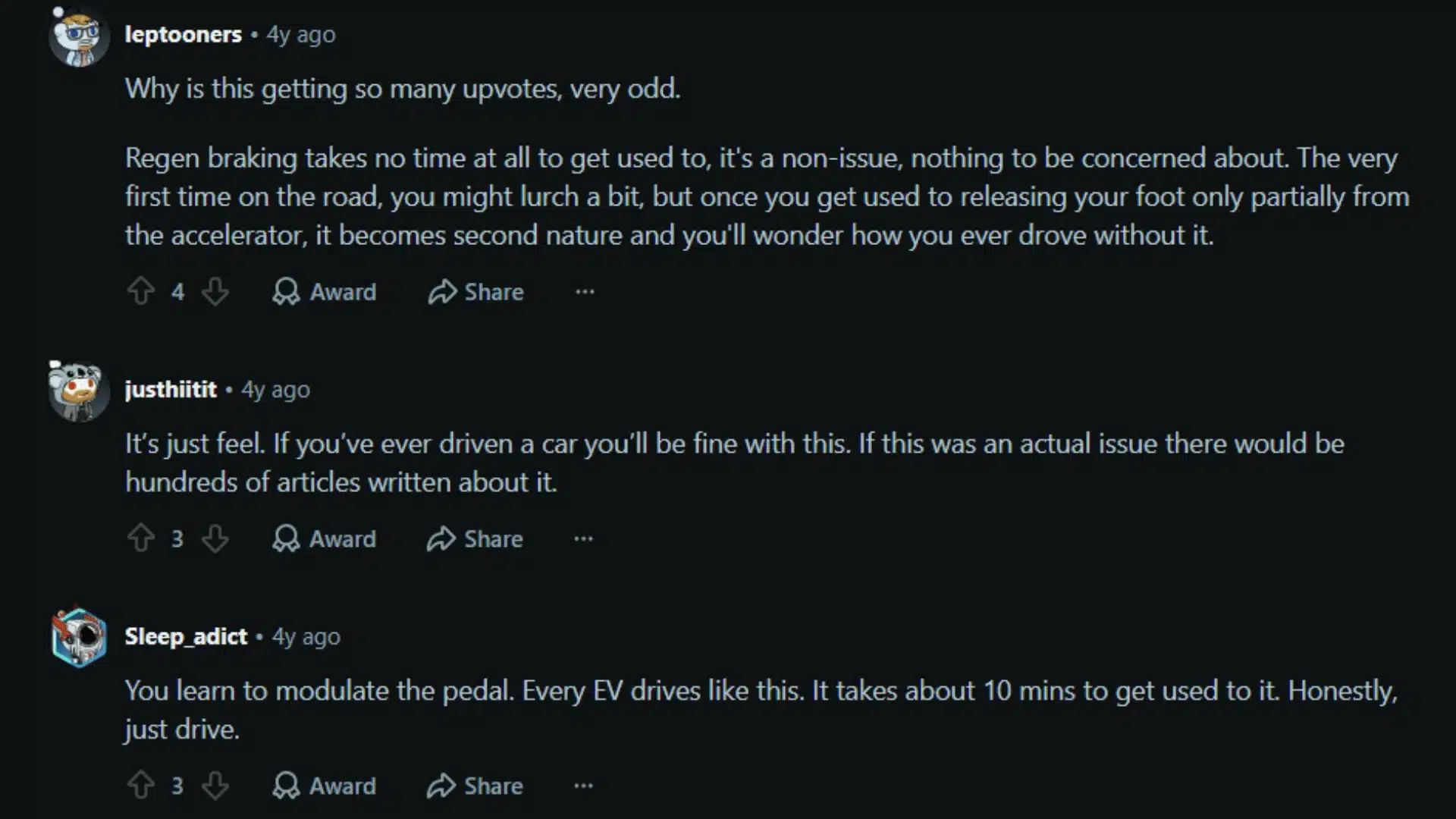
Across the EV community, Tesla owners consistently describe regenerative braking as strange at first and second nature within a few weeks.
Many say the stronger deceleration changes how they approach traffic entirely. After a short adjustment period, most rarely touch the brake pedal in city driving.
In winter conditions, some owners prefer the feel of lower regen settings because smoother deceleration feels more stable on snow or ice. The 2026 Model Y’s new Reduced mode was partly a response to this feedback.
A commonly discussed point in owner forums: Tesla regenerative braking feels noticeably weaker when the battery is fully charged.
New owners sometimes interpret this as a car problem, but it is a battery management behavior.
The system temporarily limits energy recovery when the pack has less available storage capacity. Experienced owners typically avoid charging above 90% for daily use, which keeps regen consistent from the first mile of the drive.
Conclusion
Tesla regenerative braking is one of those systems that starts as an adjustment and eventually becomes the thing you miss most when driving anything else.
Once you understand what limits it and how to work with it, the practical payoff is real: more range per charge, less brake wear, and smoother driving in exactly the stop-and-go conditions where energy costs accumulate most.
Most Teslas in 2026 offer only Standard mode, with the “Apply Brakes When Regen Is Limited” option as the main control lever for managing inconsistent deceleration.
The refreshed Model Y now adds a Reduced mode that improves driving feel without sacrificing efficiency. The biggest gains, though, come from technique rather than settings.
If you have found a regen tip that has improved your range, or if you have questions about settings on a specific model, leave a comment below.
Frequently Asked Questions
Does Tesla Regenerative Braking Replace the Brake Pedal Entirely?
Regenerative braking reduces the need for friction braking, but it does not replace it. Hard stops, emergency situations, and final low-speed stops still use the conventional hydraulic brakes. Both systems run automatically and work together without driver input.
Does Regenerative Braking Wear out the Tesla Battery Faster?
No. The system is designed to operate within the battery’s safe charging parameters.
Regen is automatically limited when the battery is cold or nearly full to protect the cell chemistry. Normal regenerative use does not accelerate battery degradation.
Why Does Regenerative Braking Feel Weaker on Some Days than Others?
Regen strength varies with battery temperature and state of charge. A cold battery or one charged above 90–95% will show a reduced regenerative response.
Pre-conditioning the car before driving and avoiding charging to 100% helps maintain consistent regen from the start of each trip.
Can I Turn off Tesla Regenerative Braking Completely?
No, Tesla does not allow regenerative braking to be fully disabled. On most models, Standard regen is the only mode available.
The 2026 Model Y offers a reduced setting that softens the deceleration feel, but regen remains active. This is consistent with Tesla’s efficiency and battery management design.
How Does Tesla Regenerative Braking Work During Autopilot or FSD?
When Autopilot or Full Self-Driving is engaged, Tesla handles regenerative braking automatically.
The system adjusts regen strength based on the following distance, traffic speed, and route conditions, and it typically applies regen more aggressively and earlier than most drivers do manually.
Drivers do not need to manage the accelerator in these modes, and energy recovery on highway trips is generally higher compared to manual driving at similar speeds.