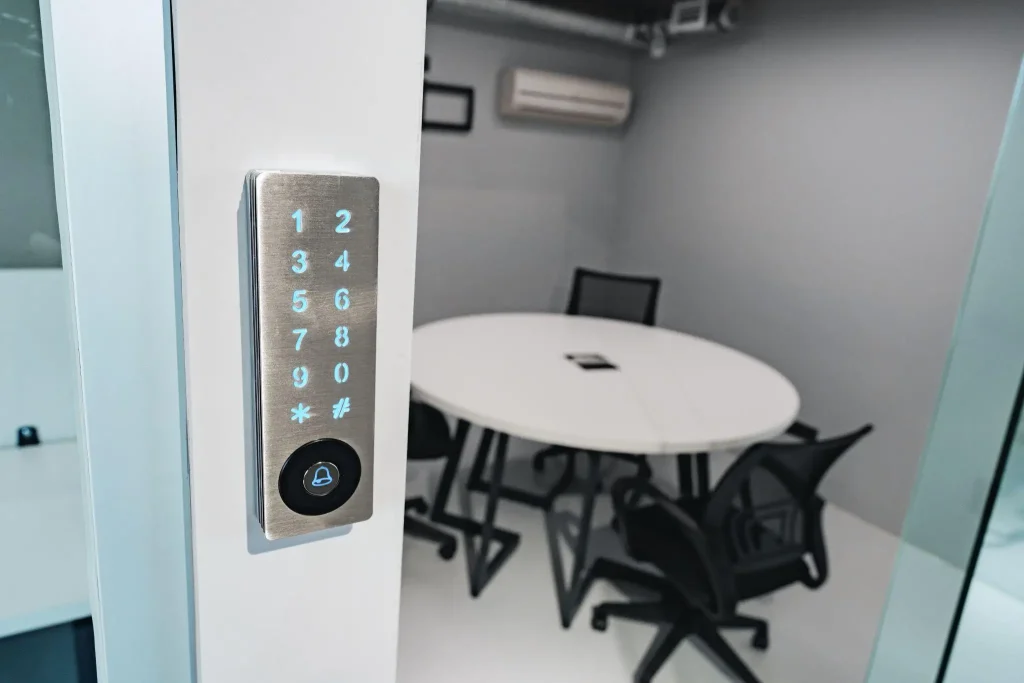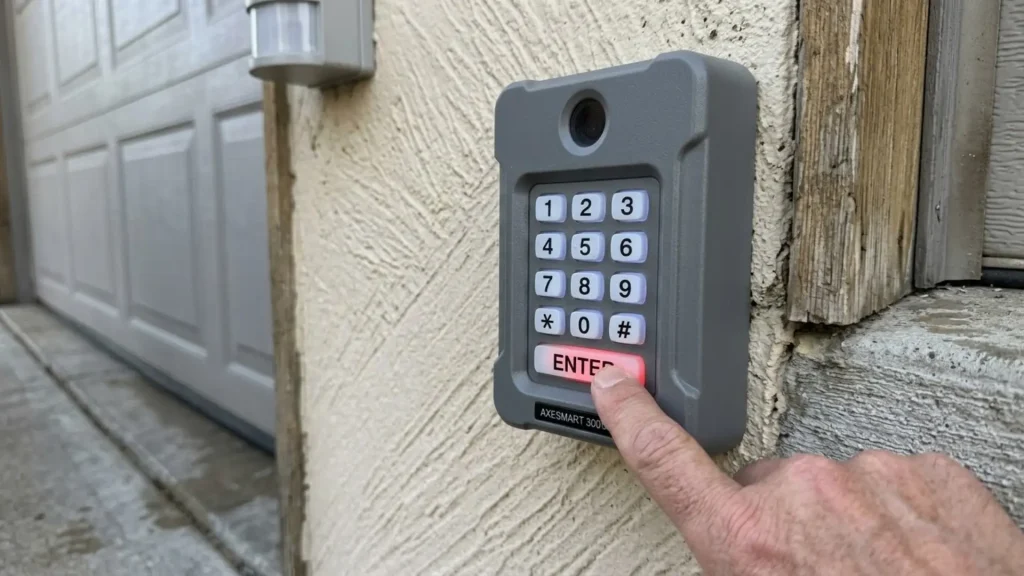
Nothing feels more frustrating than standing outside the garage, entering the code, and seeing absolutely nothing happen.
A keypad that worked perfectly yesterday suddenly stops functioning, leaving you unsure whether the issue is serious or something simple.
Because these keypads operate outdoors and rely on wireless signals, even minor disruptions can affect performance.
In most cases, a garage keypad not working problem is caused by minor disruptions and can be fixed within minutes. But some cases may require replacement altogether.
In this blog, you’ll learn exactly why garage keypads fail to work, how to reset a garage door keypad, and when it’s finally time to replace the unit.
Why is Your Garage Keypad Not Working?
Garage door keypads are designed to provide quick, secure access to the garage without a remote or key.
Because they are installed outdoors, these devices are exposed to constant weather, temperature changes, dust, and frequent use.
Over time, small issues such as weak batteries, signal interruptions, or programming glitches can prevent the keypad from communicating with the garage door opener.
In many cases, the keypad itself is not broken at all. Instead, the issue comes from a simple power problem, a locked control panel, or a lost connection with the opener.
Understanding what causes failures makes troubleshooting much easier and often allows the problem to be fixed within minutes.
Garage Keypad Not Working: Quick Troubleshooting
A garage keypad not working problem usually comes from a few simple issues that can be checked quickly before calling for service or replacing the unit.
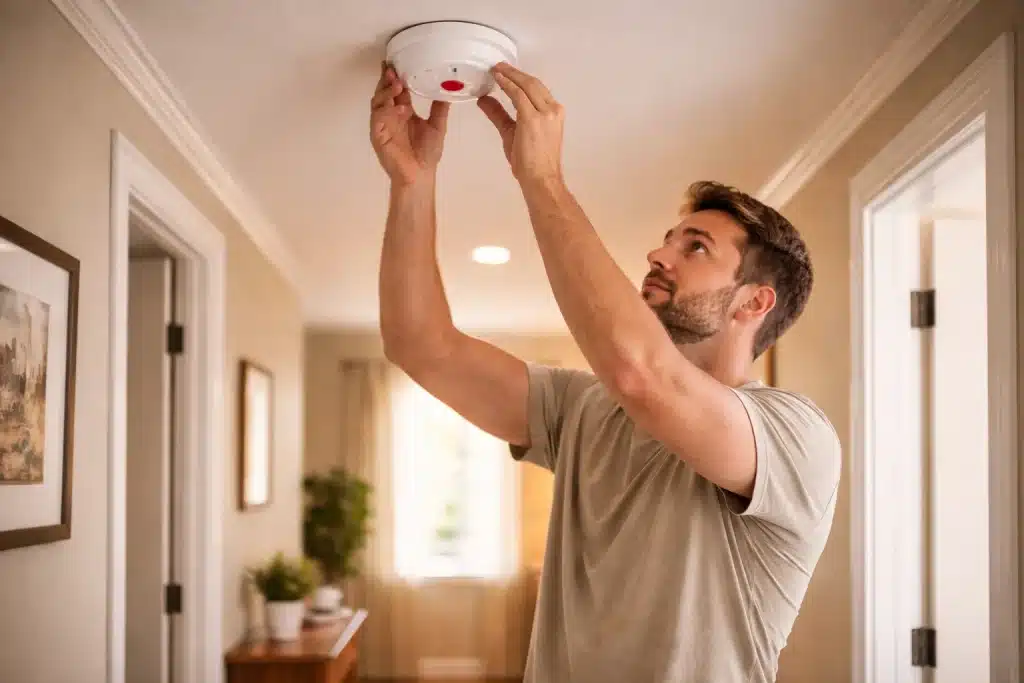
- Dead or weak batteries: Replace the old 9V battery with a fresh one. Most keypad failures happen because the battery no longer provides enough power.
- Dirty or worn keypad buttons: Press each button to check responsiveness. Clean the keypad surface gently with a dry cloth to remove dirt or buildup.
- Garage door opener has no power: Check that the opener is plugged in and confirm the breaker has not tripped. Restore power if necessary.
- Keypad lost programming: Reset the keypad and enter a new PIN so it can reconnect with the garage door opener.
- Wall console lock mode enabled: Press and hold the lock button on the wall control panel to disable this feature and restore keypad access.
How to Reset Garage Door Keypad?
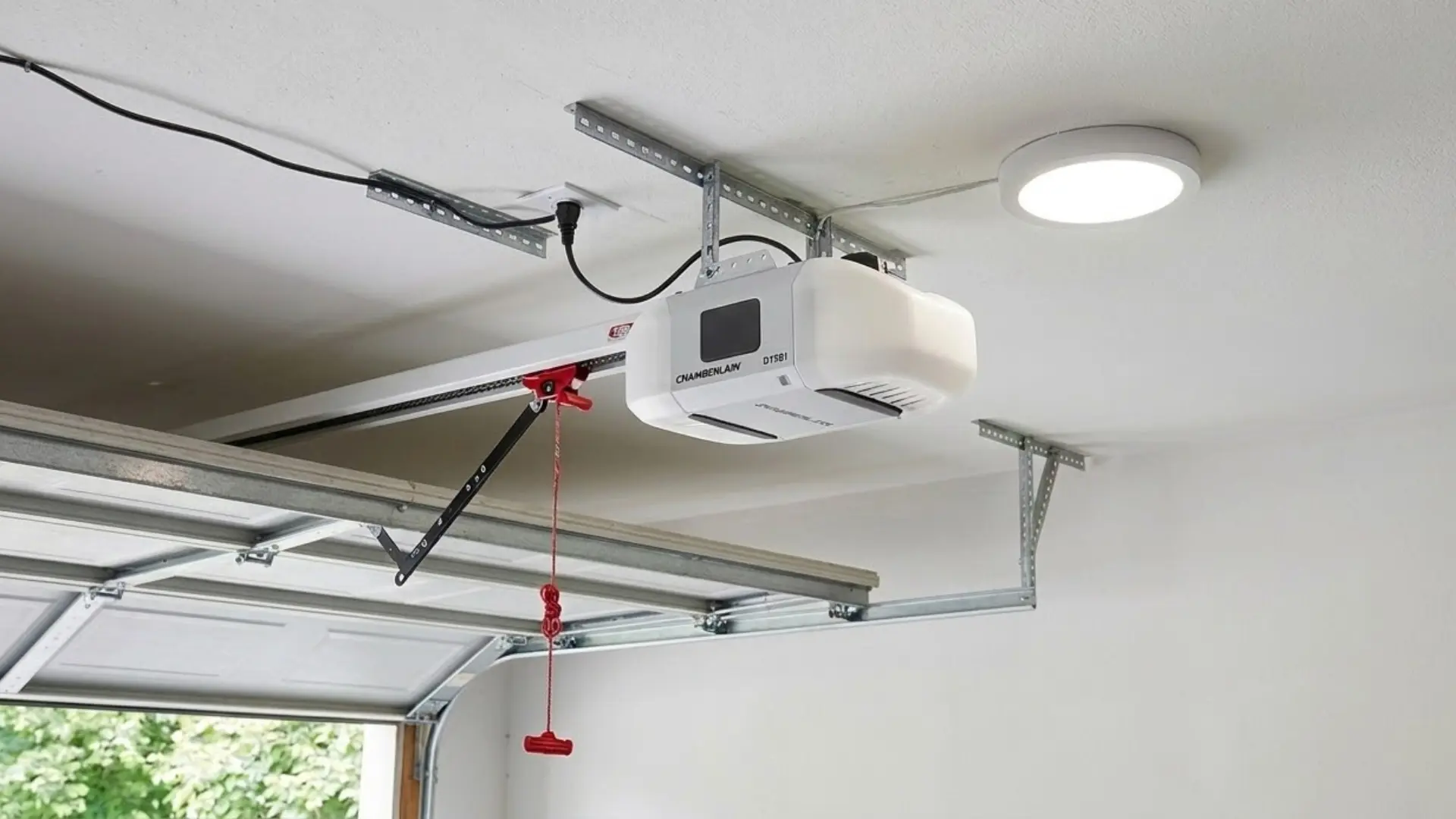
If your garage keypad not working issue comes down to a lost code or a programming glitch, a reset is usually the fastest fix and takes less than 2 minutes, and varies slightly by brand.
1. Reset a LiftMaster Keypad
Begin by locating the Learn button on the garage door opener motor unit. This button is usually found on the back or side of the opener and is commonly yellow or orange.
Press and release the Learn button once. After pressing it, a small indicator light will turn on, giving about 30 seconds to program the keypad.
Walk to the outside keypad and enter the new four-digit PIN on the keypad. Next, press and hold the Enter or arrow button on the keypad.
Keep holding the button until the garage door opener light blinks twice, which confirms the code has been accepted. Release the button and test the keypad to confirm the new code is working.
2. Reset a Chamberlain Keypad
Resetting a Chamberlain garage door keypad follows a process very similar to that of a LiftMaster keypad. This follow-along video by All Security Equipment will make the process easier for you.
Start by locating the Learn button on the garage door opener unit inside the garage. This button is usually purple or yellow and sits on the back or side of the motor housing.
Press and release the Learn button once to activate a 30-second programming window. Within that time, walk to the keypad and enter the new four-digit PIN.
Then press and hold Enter until the opener light blinks twice, confirming the code has been saved. Test the keypad to make sure the new PIN works.
Note: If you own a newer myQ-enabled Chamberlain, you can also reset and manage your PIN directly through the myQ app.
3. Reset a Genie Garage Keypad
Begin by locating the Program button on the Genie opener unit inside the garage. Press and hold this button until the LED indicator begins blinking.
Blinking signals that the opener is ready to pair with the keypad. Next, go to the outside keypad and enter the new four-digit PIN you want to use and press the Program button on the keypad.
The garage opener light will flash to confirm successful pairing. Wait about five seconds, then test the keypad to make sure the new code opens the garage.
Check the model number on the back of the keypad and confirm instructions on the official Genie support page to avoid confusion.
4. Reset a Craftsman Keypad
Start by locating the Learn button on the garage door opener motor unit inside the garage. On most Craftsman models, this button is red or purple and sits on the back or side of the opener.
Press and hold the Learn button for about 6 seconds until the LED indicator turns off. This step clears all stored keypad and remote codes.
Next, press and release the Learn button once more so the LED light turns back on. Within a few seconds, enter the new four-digit PIN on the keypad and press Enter.
The opener light should blink twice to confirm that the new code has been saved.
Resetting the keypad can disconnect paired remotes, so the remotes will need to be programmed again. You can follow these step-by-step instructions on how to program a garage door remote.
When is It Time to Replace Your Garage Keypad?

Most garage door keypads typically last between 5 and 10 years, depending on weather exposure, usage frequency, and maintenance.
If a keypad is more than 10 years old, frequent failures often signal that replacement is the better option rather than continued troubleshooting.
Visible cracks, moisture damage, rust around the battery terminals, or buttons that feel soft and unresponsive usually indicate that the hardware has deteriorated.
Some issues strongly suggest the keypad is permanently faulty.
Buttons may stop clicking when pressed. The backlight or indicator light may not turn on at all. Programming mode might never activate, even when the correct reset sequence is entered.
When purchasing a new keypad, always check the manufacturing year of the opener, as older systems may require specific keypad models.
Maintenance Tips to Prevent Garage Keypad Problems
Simple maintenance habits keep a garage keypad reliable and reduce unexpected access issues throughout the year.
- Replace Batteries Every 12 to 18 Months: Waiting until the battery completely dies can lead to unexpected lockouts. Replacing it on a schedule keeps the keypad dependable.
- Install a Weather-Resistant Keypad Cover: Rain, snow, strong sunlight, and other harsh conditions slowly damage outdoor electronics.
- Clean Buttons with a Dry Soft Cloth: Dust and grime build up over time and can interfere with button response. A dry cloth removes debris without introducing moisture.
- Reprogram the Keypad After Power Outages: Power interruptions may erase stored codes or disrupt pairing with the opener.
- Update the Access Code once a Year: Changing the PIN improves security.
- Avoid installing the Keypad in Direct Sunlight: Continuous heat exposure can wear down rubber buttons and fade the keypad display faster.
- Test All Garage Entry Controls Twice a Year: Check the keypad, remote controls, and wall console together to confirm every access method works correctly.
Conclusion
A malfunctioning garage keypad can feel like a major inconvenience, but the solution is often simpler than expected.
The important thing is to approach the problem methodically rather than assuming the worst.
Start with the simplest checks, move to a reset if needed, and only consider replacement when the hardware clearly shows signs of permanent damage or age-related failure.
Regular maintenance also helps prevent future problems and keep the garage entry reliable throughout the year. Have you dealt with a garage keypad not working problem before?
Tell us what the issue turned out to be and what solution finally worked for you.
Frequently Asked Questions
Can I Use a Universal Keypad with Any Opener?
Most universal keypads support major brands, but always verify frequency and compatibility with your specific opener model before buying.
Does Cold Weather Affect Garage Keypad Battery Life?
Yes, extreme cold drains batteries faster. Consider lithium batteries for better performance in freezing temperatures during the winter months.
Can a Neighbor’s Remote Interfere with My Keypad?
It is rare but possible if devices share similar frequencies. Reprogramming your keypad with a new code usually eliminates the interference.